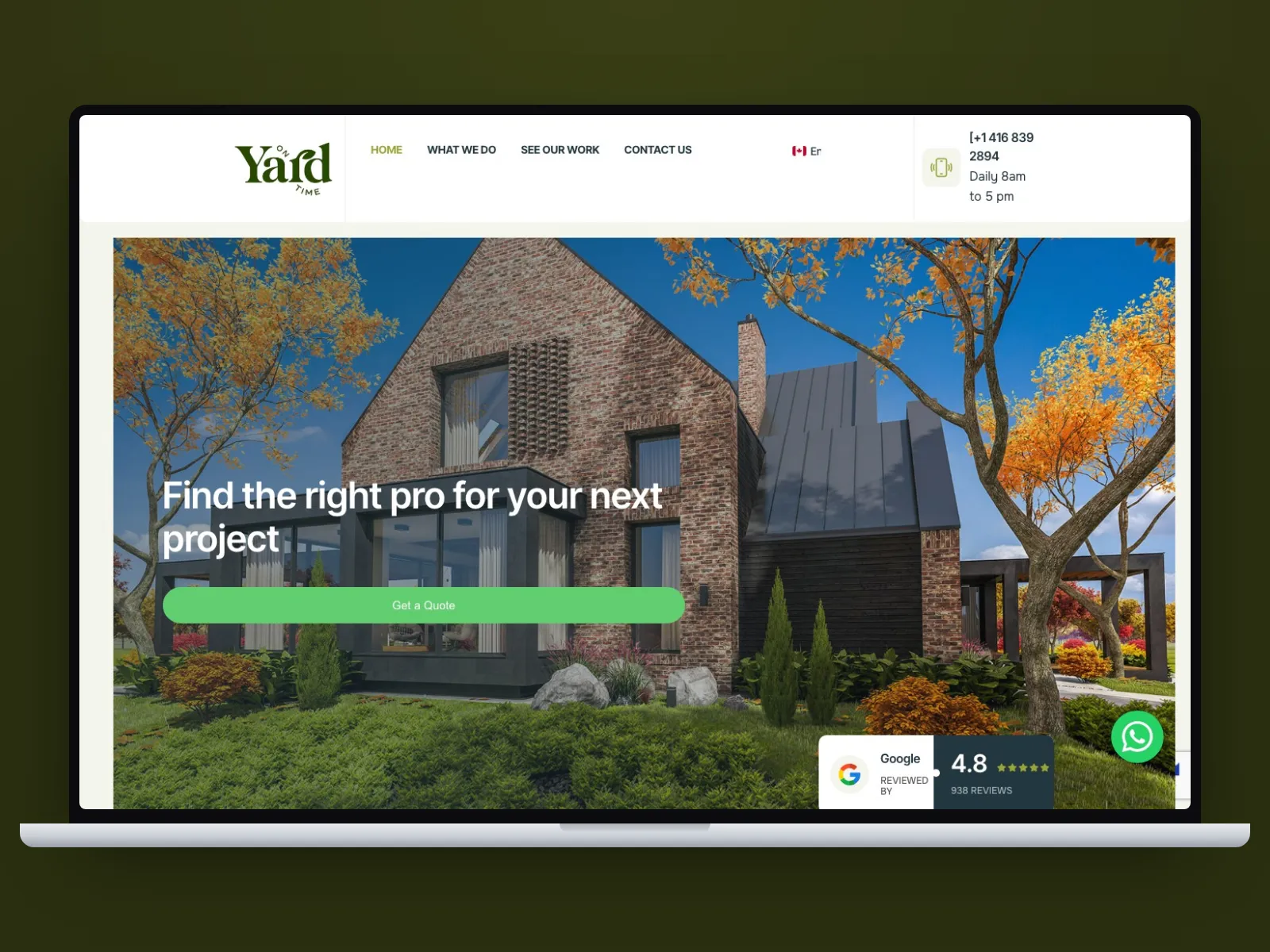
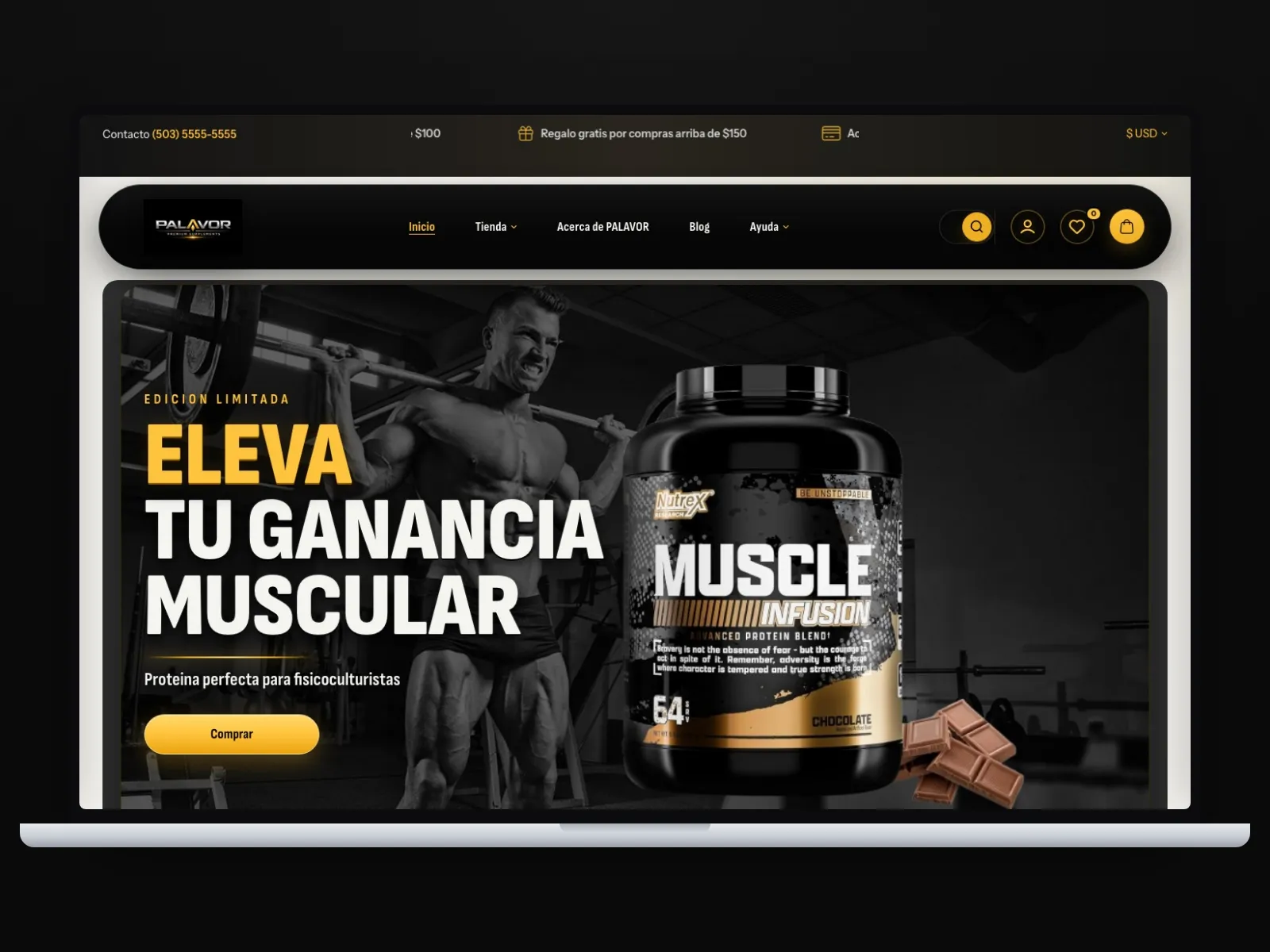
Webflow Services in Houston, Texas: What Business Owners Should Know Before They Invest
If you are considering Webflow for your company, these are usually the first questions that come up:
- Is Webflow actually a smart platform for a business website, or is it just a design trend?
- How much should professional Webflow services cost in Houston if I want real quality, not a rushed template job?
- When should I choose Webflow over WordPress, Shopify, or a custom build?
- How do I tell whether a Webflow provider understands business strategy and not just visual polish?
Those are the right questions, because Webflow can be an excellent tool, but it is not the right answer for every business. I have seen owners get excited by beautiful mockups and smooth animations, then end up with a site that still does not support sales, trust, or easy updates after launch. The platform matters, but the bigger issue is whether the build matches how your business actually works.
If I were advising you across the table in Houston, I would say this plainly: Webflow is strongest when you want a modern, high-trust marketing website that feels custom, loads fast, and does not turn into a plugin maintenance headache. It is weaker when your site depends on deep backend logic, heavy e-commerce, or application-style functionality. That distinction saves people a lot of money.
What Webflow is genuinely good for
Webflow works especially well for businesses that care about presentation, credibility, performance, and easier day-to-day content management after launch.
Webflow is usually a strong fit for:
- Service businesses that need a polished lead-generation website
- B2B companies that want clearer positioning, stronger case-study pages, and better trust signals
- Professional firms that have outgrown an old WordPress site that feels cluttered or slow
- Companies that need a clean CMS for team bios, case studies, blog posts, landing pages, or portfolio content
- Brands that care about visual quality and want more design control without funding a full custom front-end stack
That is why Webflow has become popular with agencies, consultants, architects, SaaS companies, and growth-minded local businesses. It gives you a cleaner middle ground: more control than a basic template website, less technical overhead than a heavily customized CMS setup.
When Webflow is not the best choice
This is where honest advice matters. A serious provider should be able to tell you when not to use Webflow.
Webflow is usually the wrong tool if:
- You need advanced user portals, client dashboards, or application-like workflows
- Your site depends on a large plugin ecosystem or very specific CMS behavior
- Your business is primarily e-commerce with a large catalog, complex discounts, or heavy inventory rules
- Your team plans to publish content at very high volume and wants maximum editorial flexibility at lower long-term cost
- Your budget is so tight that even a clean professional Webflow build will be a stretch
For example, if your business is basically an online store, Shopify is often the cleaner choice. If your business depends on unusual integrations or custom workflows, WordPress or a custom build may be more practical. Webflow is a great platform, but only when the scope is aligned with what it does well.
The local reality in Houston
Houston is a market where your website often has to earn trust fast. Whether you are in legal services, industrial B2B, healthcare, real estate, home services, or consulting, buyers compare you to serious competitors. A site that feels dated, vague, or hard to navigate can quietly hurt conversions even if your company is excellent offline.
That is one reason Webflow can make sense in Houston. The platform is especially useful when a business needs:
- Fast mobile performance for buyers checking the site between meetings, site visits, and calls
- A more premium and custom-feeling brand presentation
- Clear service pages, industry pages, and conversion-focused landing pages
- A site that the marketing team can update without creating a maintenance mess
- A rebuild that feels modern without automatically becoming a full custom development project
I have seen Houston businesses spend on redesigns that looked nicer but still did not fix weak messaging, poor page structure, or confusing calls to action. Webflow helps with execution, but it cannot rescue weak strategy by itself. The provider still has to understand your buyer journey.
Realistic pricing for Webflow services in Houston
Pricing gets distorted online because people compare freelancers building simple landing pages, agencies creating growth-focused business sites, and teams solving broader content and conversion problems. Those are not the same thing.
Starter Webflow build for a local service business
- Typical range: $3,500 to $7,500
- Usually includes: strategy call, sitemap, 5 to 8 pages, responsive build, contact forms, basic CMS setup, basic SEO structure, and launch support
- Best for: small businesses that need a clear, professional site without unusual complexity
Growth-focused custom Webflow website
- Typical range: $8,000 to $18,000
- Usually includes: stronger messaging structure, conversion planning, custom design direction, CMS architecture, landing pages, integrations, and deeper QA
- Best for: businesses that rely on the website for consistent lead flow and stronger positioning
Advanced Webflow implementation
- Typical range: $18,000 to $35,000+
- Usually includes: complex CMS planning, multilingual structure, advanced animations where appropriate, third-party automation, deeper technical planning, and more involved post-launch support
- Best for: established businesses with larger content structures, multiple audiences, or more demanding marketing needs
Ongoing costs owners should expect
- Webflow hosting and platform plan: typically $29 to $212+ per month depending on site needs
- Maintenance or support retainer: often $150 to $1,000+ per month depending on how much help you want
- Copy, SEO, and campaign landing page work: usually separate if the provider is doing real growth support
Hidden costs people forget to ask about
- Copywriting and messaging work
- Migration from the old site
- Form, CRM, or automation integrations
- Image sourcing and optimization
- Extra landing pages after the agreed scope
- Training the team to use the CMS properly
If one proposal is dramatically cheaper than the rest, it usually means one of three things: the scope is thin, the quality risk is higher than it looks, or the real costs are waiting later as change requests.
Webflow compared with common alternatives
Webflow vs WordPress
Webflow usually wins on cleaner design control, smoother front-end consistency, and lower plugin-related maintenance. WordPress usually wins on ecosystem flexibility, content scale, and access to more integrations at different budget levels. If you want a premium marketing site with fewer moving parts, Webflow is often the smoother option. If you need broader publishing flexibility or unusual functionality, WordPress still has the edge.
Webflow vs Shopify
If your business is mainly selling products online, Shopify is usually the smarter choice. If the website’s main job is positioning, lead generation, and selective selling rather than managing a serious online store, Webflow can be a better fit.
Webflow vs a fully custom build
A fully custom build gives maximum freedom, but most businesses do not need to pay for that level of complexity for a marketing website. Webflow is often the practical middle ground when you want a high-end result without taking on the cost and overhead of a full custom front-end project.
How to choose a Webflow provider without regretting it later
The right provider should not just show you pretty work. They should be able to explain why the structure of the site will help trust, conversions, and easier internal use after launch.
Green flags to look for
- They ask about your sales process before talking about animations or layout
- They can explain when Webflow is not the right tool
- They show work that solved business problems, not just visual ones
- They talk about page structure, calls to action, CMS planning, and post-launch edits
- They explain tradeoffs clearly in normal language
Red flags
- They pitch Webflow as the answer for every type of business
- They focus heavily on motion effects but not on messaging or conversion flow
- They cannot explain how your team will manage content after launch
- They quote quickly without asking serious questions
- They avoid talking about support, revisions, or long-term ownership
A trustworthy Webflow partner should feel like a sharp advisor, not a designer trying to win you over with a flashy prototype.
A practical implementation roadmap
Phase 1: Discovery and positioning
Usually 1 to 2 weeks. This is where the team studies your offers, ideal clients, current website gaps, and conversion goals.
Phase 2: Sitemap and messaging structure
Usually 1 to 2 weeks. Service pages, proof elements, calls to action, and CMS needs should be clarified before the visual build begins.
Phase 3: Design system and approval
Usually 1 to 3 weeks. This is where strong projects separate themselves from weak ones. The design should support clarity, not just aesthetics.
Phase 4: Webflow build
Usually 2 to 5 weeks depending on scope. This includes responsive layout work, CMS setup, forms, integrations, and performance polishing.
Phase 5: QA, training, and launch
Usually 1 week. Final checks, form testing, CMS walkthrough, mobile review, and launch preparation should all happen before the site goes live.
Simple decision logic before starting a Webflow project:
1. Define what the website must do for the business
2. Decide whether the site is mainly marketing, content, or e-commerce
3. Map the pages users actually need
4. Clarify who will manage content after launch
5. Confirm the platform matches the real scope before design begins
Two realistic examples
Example 1: B2B consulting firm in Houston
The company had a WordPress site that technically worked, but it looked dated, loaded inconsistently, and made the firm feel smaller than it really was. The deeper problem was not just design. Their services were hard to understand, their case studies were buried, and their calls to action were weak.
A Webflow rebuild gave them cleaner service positioning, a more credible visual system, stronger proof sections, and a CMS structure the team could actually manage.
Result: a more polished brand presentation, easier internal updates, and a site that supported business development instead of quietly undermining it.
Example 2: Local architecture studio serving Houston clients
The studio needed a site that felt premium and visual, but also needed a practical backend for projects, team profiles, and thought-leadership content. They did not need a huge plugin ecosystem. They needed control, speed, and a cleaner editing process.
Webflow fit because the business needed a strong front-end experience with manageable CMS collections, not a complicated application.
Result: better project presentation, faster updates from the internal team, and a stronger first impression with higher-value prospects.
Actionable next steps before you hire anyone
- Write down what your website must improve first: lead quality, trust, speed, clearer positioning, or easier internal updates.
- Ask two or three providers to explain when they would not recommend Webflow.
- Request proposals that separate platform costs, build costs, and ongoing support.
- Review their portfolio for business clarity, not just design style.
- Choose the team that shows the clearest thinking, not the flashiest motion effects.
My honest recommendation
If your business needs a premium, modern website that helps people trust you faster and keeps your team out of a maintenance mess, Webflow can be a very smart investment in Houston. But do not buy Webflow services because someone showed you a beautiful homepage. Buy them because the provider understands how your site should support sales, credibility, and easier execution after launch.
If I were giving you the short version as a client, I would tell you this: the right Webflow project should make your business look sharper, feel easier to trust, and become simpler to manage. If it only gives you prettier visuals, it is not enough. Good Webflow work should be useful, not just impressive.
If you would rather have a team build this for you, see our our services. We work from Houston and El Salvador in overlapping business hours, with a fixed written price.
Ready to price the work? See what we build and what it costs: web design in Houston.
Ready to talk about your project?
If this article raised questions about your own site, book 20 minutes with Francisco or send us a WhatsApp. No commitment, no long forms.
Book a call WhatsApp
Or by phone: +1 (713) 396-5007 · +503 7931-1403