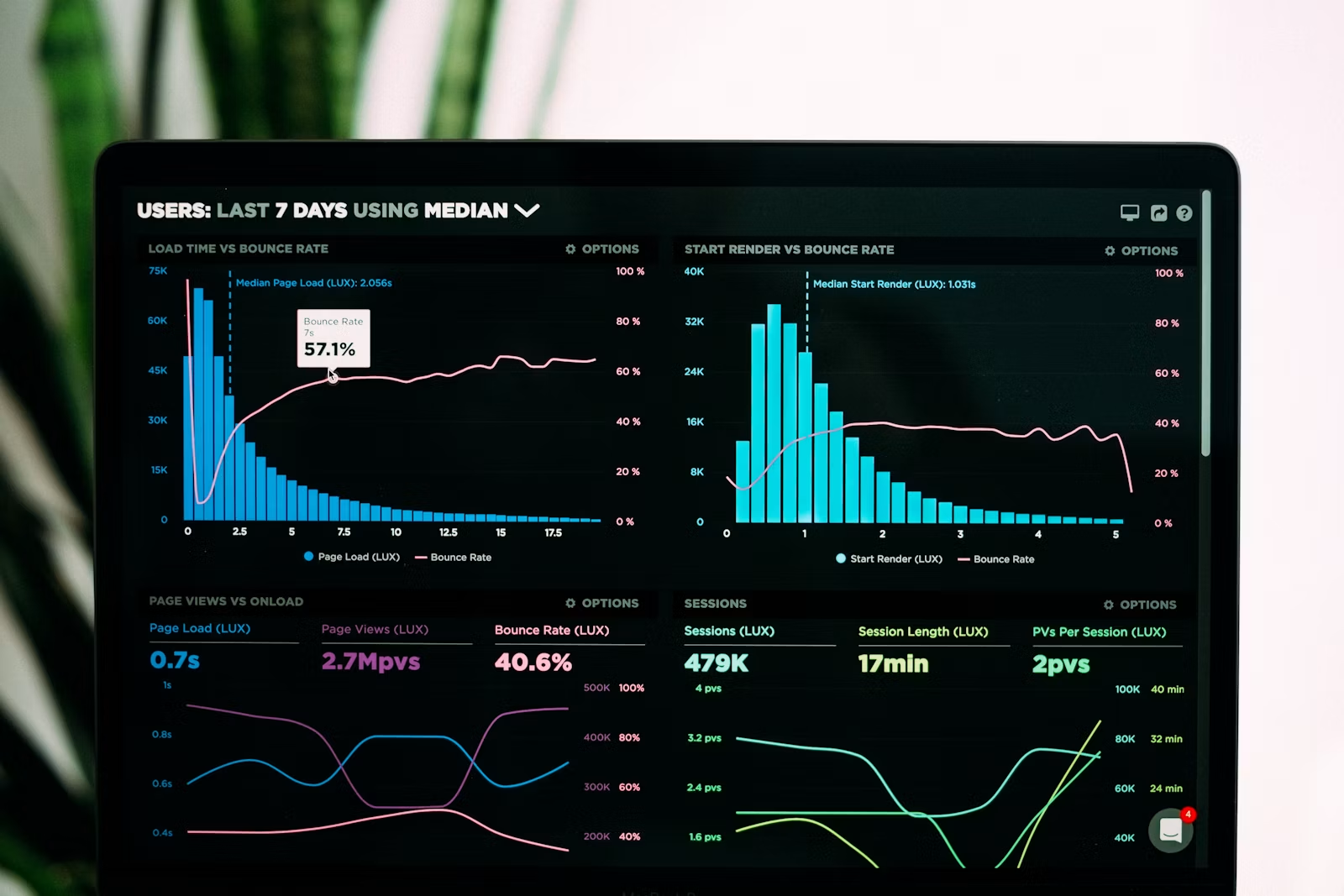

If Google Search Console shows impressions but almost no clicks, the website is not invisible. Google is already testing the pages. The practical problem is that the search result, page angle, title, description, proof, or internal context is not convincing enough for the buyer to choose it.
That distinction matters. A business with zero impressions may need indexing, technical SEO, or stronger topical coverage. A business with impressions and no clicks needs a different repair plan: improve the promise shown in search, match the page to the query, add trust signals, strengthen internal links, and make the next step obvious.
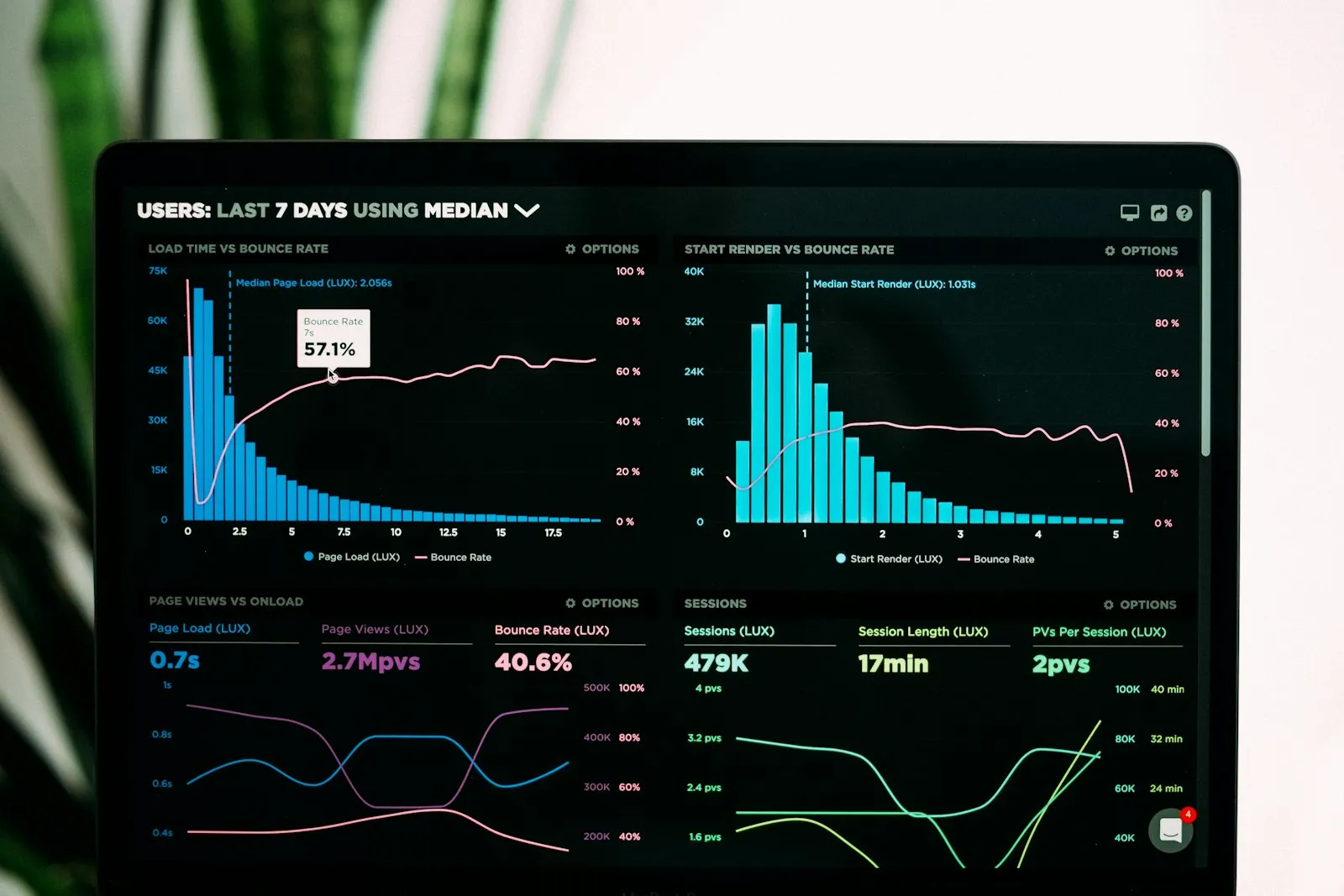
Impressions with no clicks usually mean Google is showing a page for some searches, but the result is not earning attention. The page may rank low, target the wrong intent, use a weak title, lack a clear value promise, or fail to look more useful than neighboring results.
In plain business terms, this is a missed opportunity. The market is giving the website a small window of visibility, but the page is not converting that visibility into visitors. That is usually easier to improve than starting from zero, because some search demand already exists.
Small businesses should fix CTR first when existing pages already have impressions, because those pages have proven search exposure. Publishing more content before repairing weak search results can spread effort thinner while the pages closest to traffic continue wasting qualified visibility.
This is where many businesses go wrong. They see low traffic and assume the answer is more blog posts. Sometimes it is. But if Google Search Console already shows pages in positions 4 to 15 with impressions and no clicks, the faster move is often to repair those pages first.
| Signal in Search Console | Likely problem | Best first action |
|---|---|---|
| High impressions, zero clicks, position 5-10 | The result appears but does not look compelling | Rewrite title, intro promise, and snippet-supporting copy |
| High impressions, position 11-20 | The page is close but not strong enough | Add direct answers, proof, internal links, and clearer topical depth |
| Clicks on brand terms only | The site is known by name but weak for service discovery | Strengthen service pages, entity language, and buyer-intent content |
| Traffic but no key events | Measurement or conversion path is broken | Fix GA4 key events, forms, calls, WhatsApp clicks, and CTA tracking |
For businesses that need a structured review, LeWebsite’s web, app, automation, and SEO services can connect search visibility to page structure, analytics, and conversion improvements instead of treating SEO as isolated keyword work.
Improve pages that already have impressions, commercial intent, and a realistic ranking position. A page in position 6 with 200 impressions and no clicks is usually more urgent than a brand-new topic with no evidence, especially when the page supports a service, quote request, or lead path.
A practical priority order is:
For example, if a page about web development receives impressions for a broad service query but the title sounds generic, the page may need a sharper result promise. If a WordPress retainer article gets impressions for pricing searches but no clicks, the page may need a clearer cost angle, stronger comparison language, and better internal links to service pages.
Repair ignored search results by making the page match the searcher’s decision more clearly. Update the title, H1, first paragraph, supporting headings, proof points, and internal links so the result promises a specific answer, not a vague service description.
The title should tell the buyer what problem the page solves. A title like “Web Development Services” may be accurate, but it gives the searcher no reason to choose it over every similar result. A stronger title usually includes the decision, outcome, budget concern, location, platform, or buyer type.
Google does not always use the meta description as written, but the page still needs strong snippet-supporting language. Google’s own documentation on title links in Search results confirms that page titles and on-page context help influence how results are presented.
A page that says “we build great websites” is easy to ignore. A page that explains the process, platforms, tradeoffs, timeline, maintenance plan, analytics setup, and common failure points gives buyers more reason to click and stay.
Good proof does not have to be fake case-study theater. It can be a clear checklist, a pricing range, a comparison, a technical standard, a process diagram, a maintenance plan, a before/after diagnostic, or a specific example of what usually goes wrong.
Internal links help CTR repair because they clarify which pages matter, how topics connect, and where buyers should go next. A page with impressions but no clicks often needs stronger support from related service pages, guides, comparisons, and conversion paths.
Internal links are not only for crawlers. They help users understand the business. A post about analytics should connect to service pages. A page about WordPress support should connect to maintenance, development, and contact paths. A guide about website performance should connect to redesign and conversion improvement when those are natural next steps.
Useful supporting pages on LeWebsite include the guide to website analytics setup for small businesses, the post on Core Web Vitals before a redesign, and the guide to web development services in Houston.
After making CTR changes, measure the same page and query groups over time. Watch impressions, average position, CTR, clicks, landing-page engagement, form starts, form submissions, calls, WhatsApp clicks, and qualified inquiries. Do not judge the work only by rankings.
The strongest setup combines Google Search Console and GA4. Search Console shows the search result problem through performance data such as queries, pages, clicks, impressions, CTR, and position. Google’s documentation on the Search Console Performance report explains those metrics, while the documentation on GA4 key events is important because a business can have traffic and still be blind to leads if key events are not configured.
Use this measurement loop:
Publish a new page when the existing pages do not match the search intent, buyer stage, service, location, or comparison being searched. If a current page is already close, refresh it. If the query needs a different answer, create a new page with a distinct purpose.
This is an important distinction for small businesses. Creating a new article for every keyword can create clutter, cannibalization, and thin pages. But forcing every query into an old page can also weaken intent match. The better decision comes from the evidence: query, page, position, CTR, conversion path, and whether the page truly answers the buyer’s question.
If you want a practical review of which pages to fix first, contact LeWebsite with the current website and the service pages that matter most. The first useful step is usually not a full redesign. It is finding the pages already getting attention and making them easier to choose.
No. Some informational or broad queries naturally have low CTR. But low CTR becomes a business problem when the page has qualified impressions, a realistic ranking position, and a service or conversion path that should be earning clicks.
Most small businesses should review changes after several weeks of fresh Search Console data. Timing depends on crawl frequency, query volume, ranking position, and whether Google chooses to update the displayed title or snippet.
Sometimes it helps, but it is rarely enough by itself. The page title, visible content, heading structure, proof, intent match, internal links, and search result context usually matter together.
If this article raised questions about your own site, book 20 minutes with Francisco or send us a WhatsApp. No commitment, no long forms.
Or by phone: +1 (713) 396-5007 · +503 7931-1403