
AI Automation Services for Small Businesses in Houston and El Salvador
AI automation services help a small business remove manual bottlenecks from sales, customer service, reporting, scheduling, and internal operations. The useful version is not a random chatbot. It is a practical system that connects existing workflows, protects data, and gives owners measurable time savings before the build gets bigger.
For LeWebsite, AI automation work usually starts with one workflow that already costs the business time: quote follow-up, WhatsApp responses, CRM updates, intake forms, appointment routing, reporting, or customer support. Houston businesses often need stronger CRM and service scheduling. El Salvador businesses often need WhatsApp, lead qualification, and admin cleanup.
- WhatsApp, CRM and web integrations
- First workflow in 2–6 weeks
- Human review built in
- Houston · El Salvador
What are AI automation services?
AI automation services design, build, and support workflows where AI helps complete repetitive business tasks. A serious service includes process review, tool selection, prompt and logic design, CRM or app integrations, testing, documentation, and safeguards so automation improves operations instead of creating more manual cleanup.
Common services included
- Workflow diagnosis and automation roadmap
- AI chatbot planning for support, intake, or sales routing
- CRM, forms, email, calendar, and WhatsApp workflow integration
- AI-assisted reporting, summaries, and task handoffs
- Testing, governance, staff documentation, and iteration support
What should stay human
- Final pricing decisions and contract approvals
- Sensitive customer escalations
- Strategic sales calls and relationship management
- Legal, medical, financial, or compliance-sensitive decisions
For related planning context, compare AI strategy services in Houston with AI integration services in El Salvador.
When should a small business invest in AI automation?
A small business should invest in AI automation when a repeatable workflow is already slowing sales, service, reporting, or follow-up. The best first project has clear inputs, clear rules, measurable time savings, and low downside if the automation needs adjustment after launch.
Strong first-use signals
- Staff repeat the same answers or data entry every day
- Leads arrive through forms, WhatsApp, calls, and email without one intake path
- Quotes, follow-ups, or appointments are delayed because information is scattered
- Managers spend hours summarizing updates that could be structured automatically
Weak first-use signals
- The business cannot describe the current workflow clearly
- The owner wants AI only because competitors are talking about it
- The process changes every week and has no stable decision rules
A good starting comparison is the first 90 days of AI implementation in Houston and which AI workflow to automate first in El Salvador.
What AI workflows does LeWebsite help automate?
LeWebsite focuses on business workflows where AI can connect to real revenue, service quality, or operational discipline. That usually means customer intake, chatbot triage, CRM updates, quote preparation, status summaries, internal task routing, reporting, and support processes that already have repeatable steps.
Buyer-facing workflows
- Lead qualification from website forms or WhatsApp
- Customer service chatbot routing before a human reply
- Quote intake summaries for service businesses
- Appointment and follow-up reminders tied to CRM stages
Internal workflows
- Daily sales and operations summaries
- Project intake cleanup and task creation
- Document and email summarization
- Reporting dashboards that reduce manual copy-paste work
| Workflow | Best first automation | Business value | Related guide |
|---|---|---|---|
| Customer service | AI chatbot triage with escalation rules | Faster answers without replacing human judgment | Houston chatbot integrations |
| Sales intake | Form and WhatsApp lead qualification | Cleaner follow-up and less lost context | ChatGPT, WhatsApp, and CRM integration |
| Operations | Task summaries and status updates | Less admin work for owners and managers | Custom AI vs off-the-shelf tools |
| Planning | AI roadmap before full implementation | Lower risk and clearer budget control | AI consulting cost in Houston |
How much do AI automation services cost?
AI automation services usually cost more than a software subscription because the real work is process design, integration, testing, and support. A small first workflow can be lean, but deeper automation gets more expensive when it touches CRM, payments, private data, multiple teams, or custom software.
Typical budget ranges
- $750-$2,500 for workflow diagnosis, prompt systems, and light automation setup
- $2,500-$7,500 for one integrated workflow with forms, CRM, chatbot, or reporting logic
- $7,500-$25,000+ for multi-step automation, custom software, sensitive data handling, or ongoing AI operations
What changes the budget
- Number of tools that need to connect
- Quality of the existing process and data
- Human review, approval, and escalation requirements
- Need for dashboards, custom portals, or app development
For budget context, review AI workflow automation cost in Houston and AI implementation cost in El Salvador.
Should the first AI project be a chatbot, workflow automation, or reporting tool?
The first AI project should solve the most painful repeatable bottleneck, not the flashiest idea. Choose a chatbot when response speed is the issue, workflow automation when handoffs are messy, and reporting automation when leaders waste time turning scattered updates into decisions.
Choose a chatbot when
- Customers ask the same questions before a sales or support handoff
- Leads need routing by service, location, budget, or urgency
- The business can define safe answers and escalation rules
Choose workflow or reporting automation when
- Staff copy information between systems
- Managers chase updates instead of reviewing one clear summary
- The current bottleneck is internal, not customer-facing
The chatbot decision is explained in AI chatbot integrations for Houston customer service. For broader automation planning, use the AI workflow payback guide.
How does AI automation connect with websites, CRMs, and apps?
AI automation works best when the website, CRM, forms, calendar, email, chatbot, and internal tools share a clean workflow. The AI layer should not sit apart from the business. It should receive structured information, trigger the right next step, and leave a trackable record.
Common integration points
- Website forms and landing pages
- WhatsApp, email, and chat intake
- CRM fields, pipeline stages, and task assignments
- Calendars, booking tools, spreadsheets, and dashboards
Why web structure matters
- Clean forms create better automation inputs
- Clear service pages help route leads correctly
- Analytics makes automation performance measurable
If the website is also part of the problem, compare web development services, LeWebsite services, and custom website development with CRM workflows.
What tools and platforms can support AI automation?
AI automation can use large language models, automation platforms, CRMs, website forms, databases, spreadsheets, and custom software. The right stack depends on the workflow, not brand hype. A small business should prioritize reliability, permissions, auditability, and maintenance over adding more tools.
Common tool categories
- AI model providers for language, summaries, and classification
- Automation platforms for triggers and multi-step actions
- CRM systems for leads, customers, deals, and follow-up
- Custom apps or portals when off-the-shelf tools are too limited
External guidance worth reading
What risks should small businesses control before using AI?
Small businesses should control data exposure, bad answers, unclear ownership, staff confusion, and automation failures before using AI in live workflows. The safest approach starts with human review, limited permissions, clear logs, and a narrow process that can be measured before expanding.
Risk controls to define early
- What information AI may and may not process
- When a human must review the answer or action
- How the system logs decisions, summaries, and handoffs
- Who owns edits when the workflow changes
Where businesses often get burned
- Letting AI answer pricing or policy questions without approved rules
- Connecting tools before cleaning the process
- Launching a chatbot without escalation logic
- Ignoring staff training and maintenance
This is why LeWebsite treats AI automation as implementation work, not just prompt writing. The related strategic question is covered in AI consulting versus full implementation.
What does the LeWebsite AI automation process look like?
The LeWebsite AI automation process should move from diagnosis to a narrow first workflow, then prototype, integration, testing, documentation, launch, and support. That sequence protects small businesses from paying for a broad AI system before proving that one workflow creates measurable value.
Typical project sequence
- Identify the workflow, owner, data sources, and business goal
- Map the current process and where human review is required
- Build a small prototype or controlled workflow
- Connect the needed tools and test real scenarios
- Document the process and improve after launch
What a good first launch proves
- The business saves time or reduces missed follow-up
- The workflow has clear ownership
- The team can understand and maintain the system
- The next automation idea is easier to prioritize
Businesses that want the broader service path can start from LeWebsite services or request a specific automation review through the contact page.
How should Houston businesses approach AI automation?
Houston businesses should connect AI automation to service speed, lead response, scheduling, customer support, and CRM discipline. Local competition makes response time matter, but automation should still protect trust. The first project should improve a visible revenue or service workflow.
Good Houston use cases
- Service quote intake and dispatch handoff
- CRM task creation after web or chat leads
- Customer support triage before a human callback
- Weekly sales and operations summaries for owners
How should businesses in El Salvador approach AI automation?
Businesses in El Salvador should start AI automation where communication and administration already create friction: WhatsApp intake, follow-up, reporting, customer service, ecommerce operations, and internal task handoffs. The strongest first project usually improves response consistency without making the business feel less personal.
Good El Salvador use cases
- WhatsApp lead summaries and routing
- Customer service answers with human escalation
- Ecommerce order questions and delivery updates
- Admin summaries for sales, support, or operations
Relevant El Salvador guides
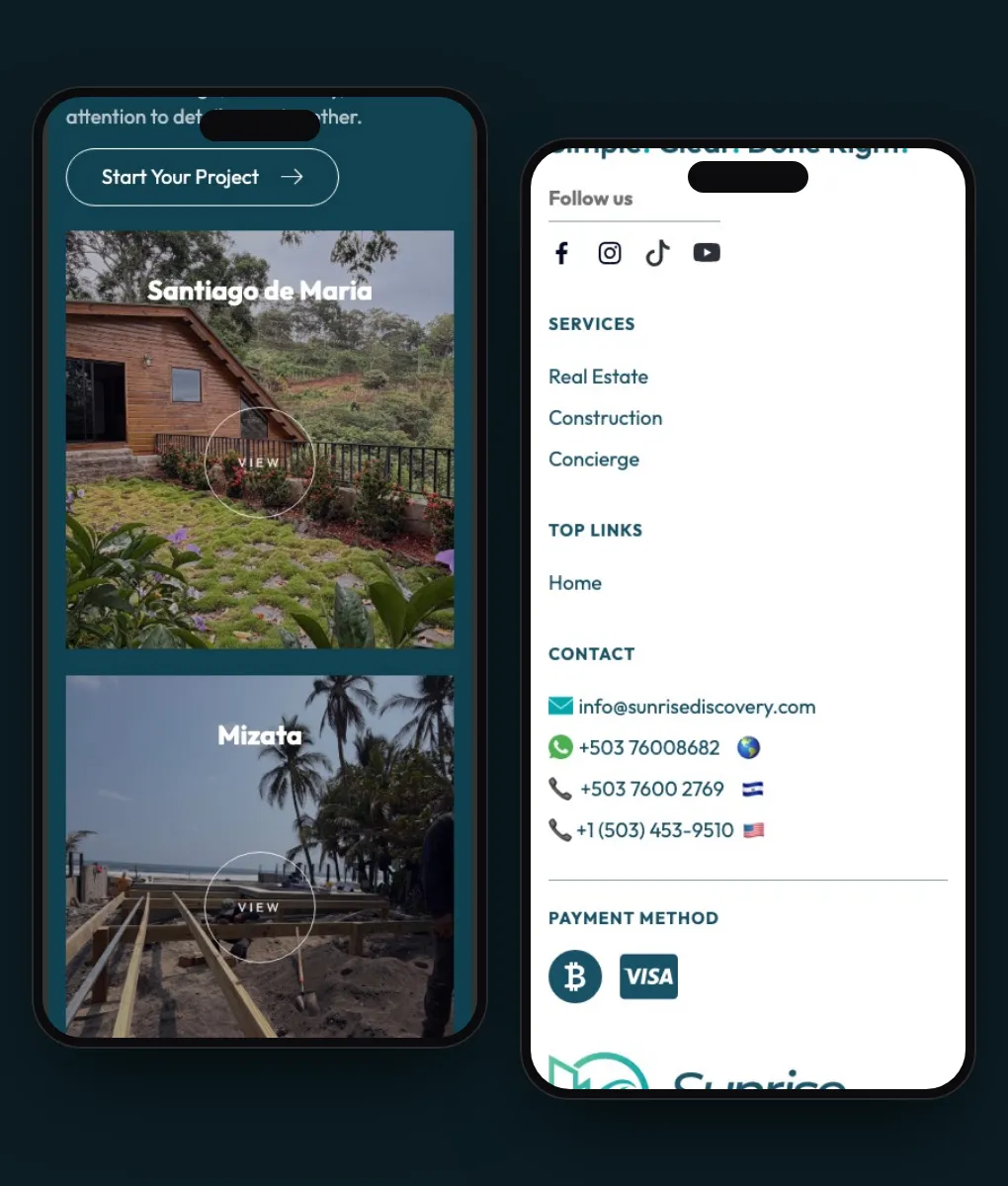
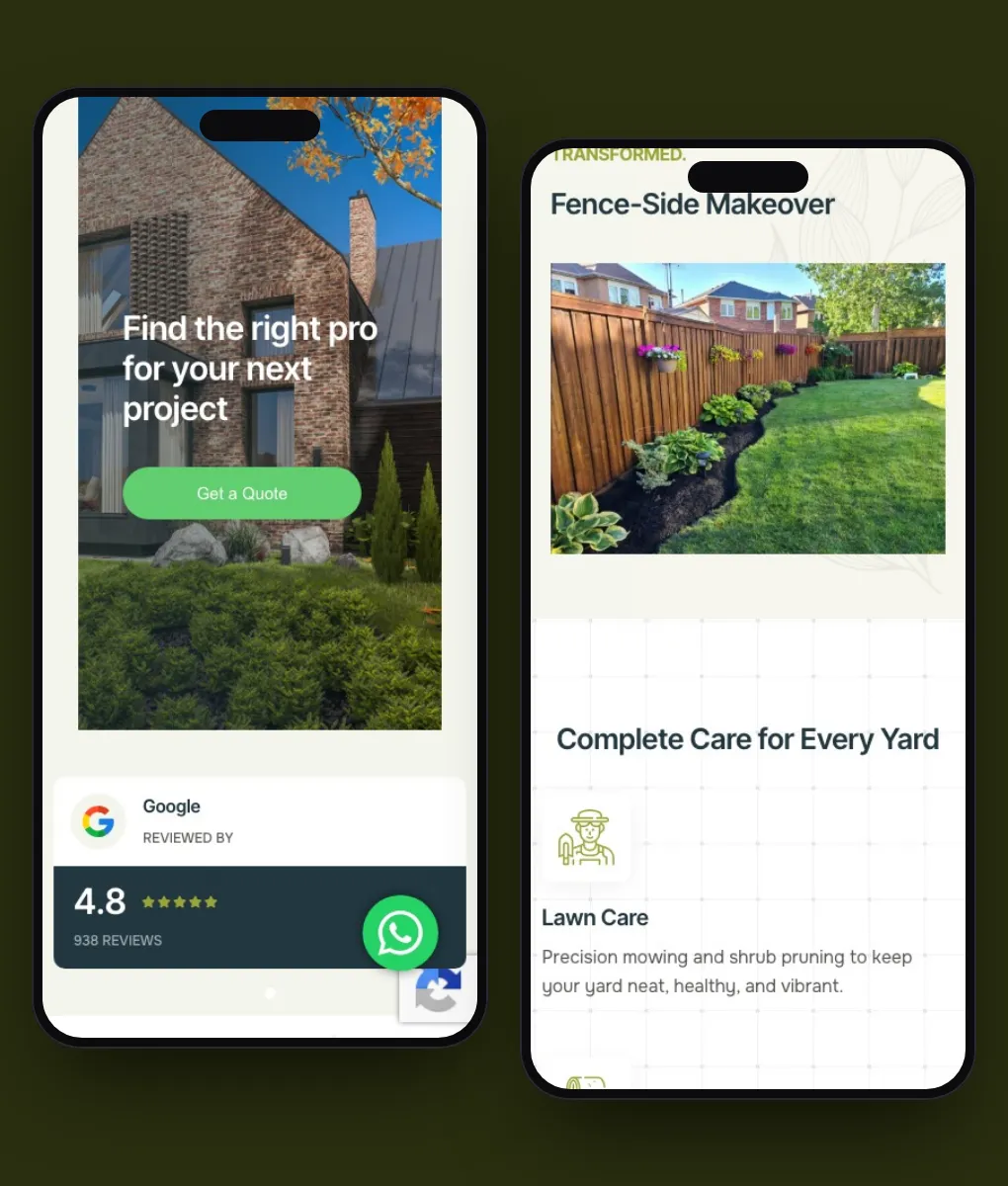
Projects we have built
Frequently asked questions about AI automation services
Most AI automation questions come down to scope, safety, cost, and whether the project will actually reduce work. Clear answers matter because small businesses can waste money quickly when they buy tools before defining the workflow and ownership model.
Does every small business need AI automation?
No. A small business should automate only when a repeatable workflow is already wasting time, slowing follow-up, or creating avoidable errors. Some teams need process cleanup before AI.
Can AI automation replace staff?
LeWebsite should not position AI automation as a staff replacement. The better goal is reducing repetitive work, improving response speed, and giving staff cleaner information for decisions.
Can AI connect to WhatsApp, CRM, and website forms?
Yes, but the exact setup depends on the tools, permissions, data quality, and review rules. Integration should start with one controlled workflow before expanding across the business.
How long does a first AI automation project take?
A focused first workflow often takes two to six weeks depending on integrations, testing, and decision rules. Broader systems need phased delivery so risk stays manageable.
What should a business prepare before asking for a quote?
Prepare the workflow, tools involved, examples of real messages or tasks, current time cost, required approvals, and the result the business wants to measure after launch.
Request an AI automation review
An AI automation review should identify one workflow with real business value, clear data inputs, safe human review, and measurable savings. That keeps the first project practical and prevents the business from buying a broad AI build before the core operational problem is clear.
If you want LeWebsite to review an AI automation opportunity, use the contact page and share the workflow, the tools involved, the market, and what currently slows the team down.
Or by phone: +1 (713) 396-5007 · +503 7931-1403
