0 1 0 1 2 3 4 5 6 7 8 9 0 0 1 2 3 4 5 6 7 8 9 0

UI/UX design for MDT Ingenieros: a surveyor module that logs the field day in four steps with on-screen signatures, plus the web admin where every record lands.

Apps, UI/UX Design, Web Development

MDT Ingenieros

MDT — The Surveyor Module, and the Admin That Receives It

  • UI/UX Design & Prototyping
  • Field Data Capture App
  • Web Admin for Back Office
  • Multi-Step Activity Logging
  • On-Screen Signature Capture
  • Approval Workflow & Roles
  • Supervisor Dashboard
  • Design System & Handoff

  • MDT Ingenieros surveys land. Their crews spend the day in the field and the office needs to know, precisely, what was done, for how long and with whom. We designed the module the surveyor carries — and the web admin where everything they record lands.

    Before this, that record lived on paper: a form filled in at the end of the day, signed by hand, driven back to the office and typed in again. Every step of that chain was a chance to lose an hour of work, or to bill it wrong.

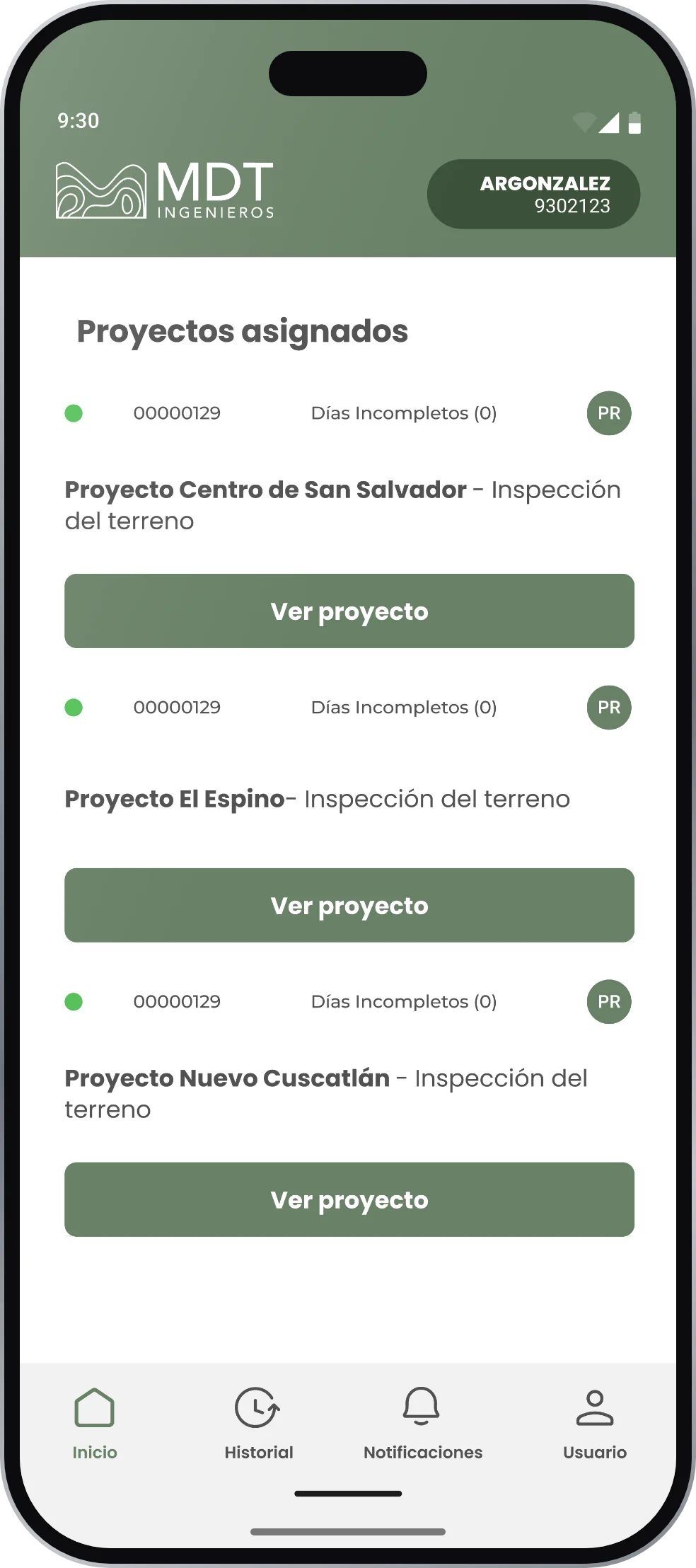
    MDT Ingenieros surveyor module app UI screen
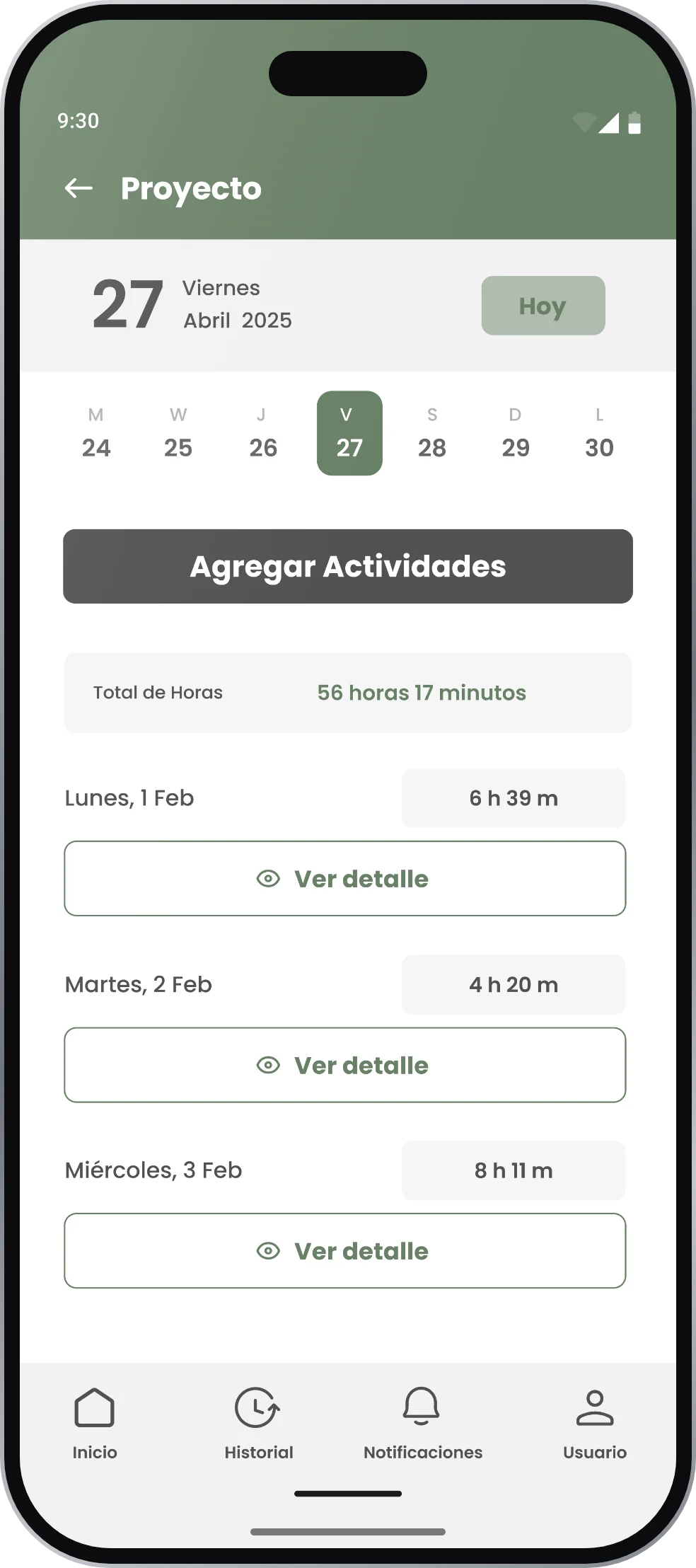
    MDT Ingenieros surveyor module app UI screen

    A Day in the Field, Captured in Four Steps

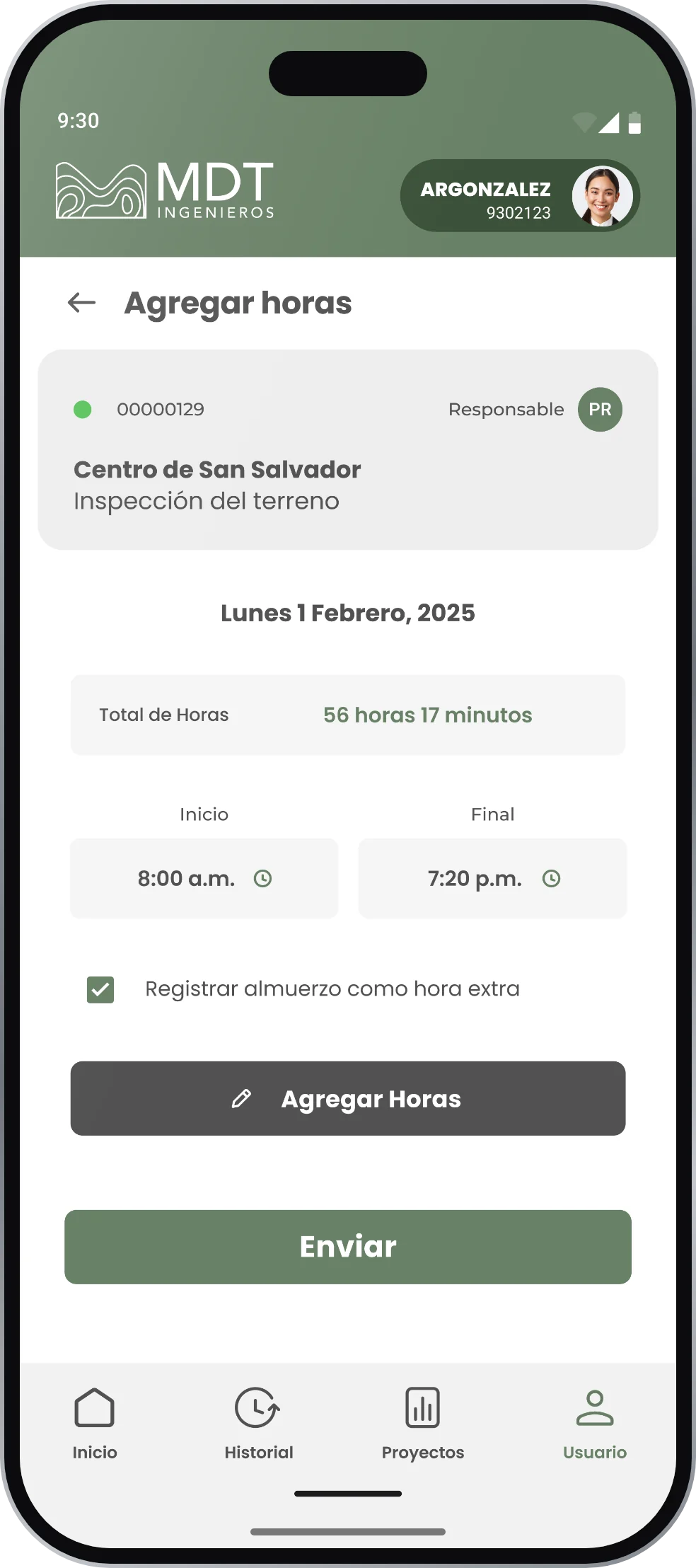
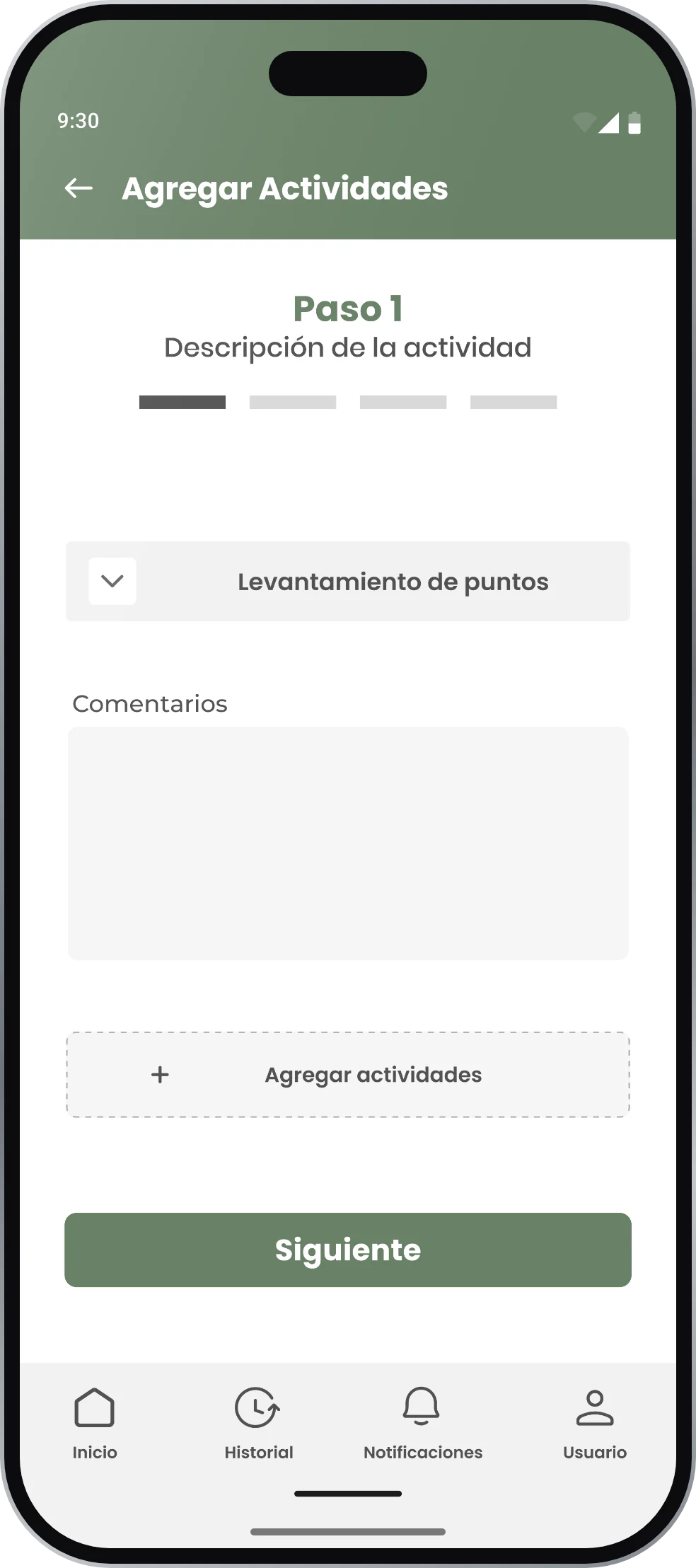
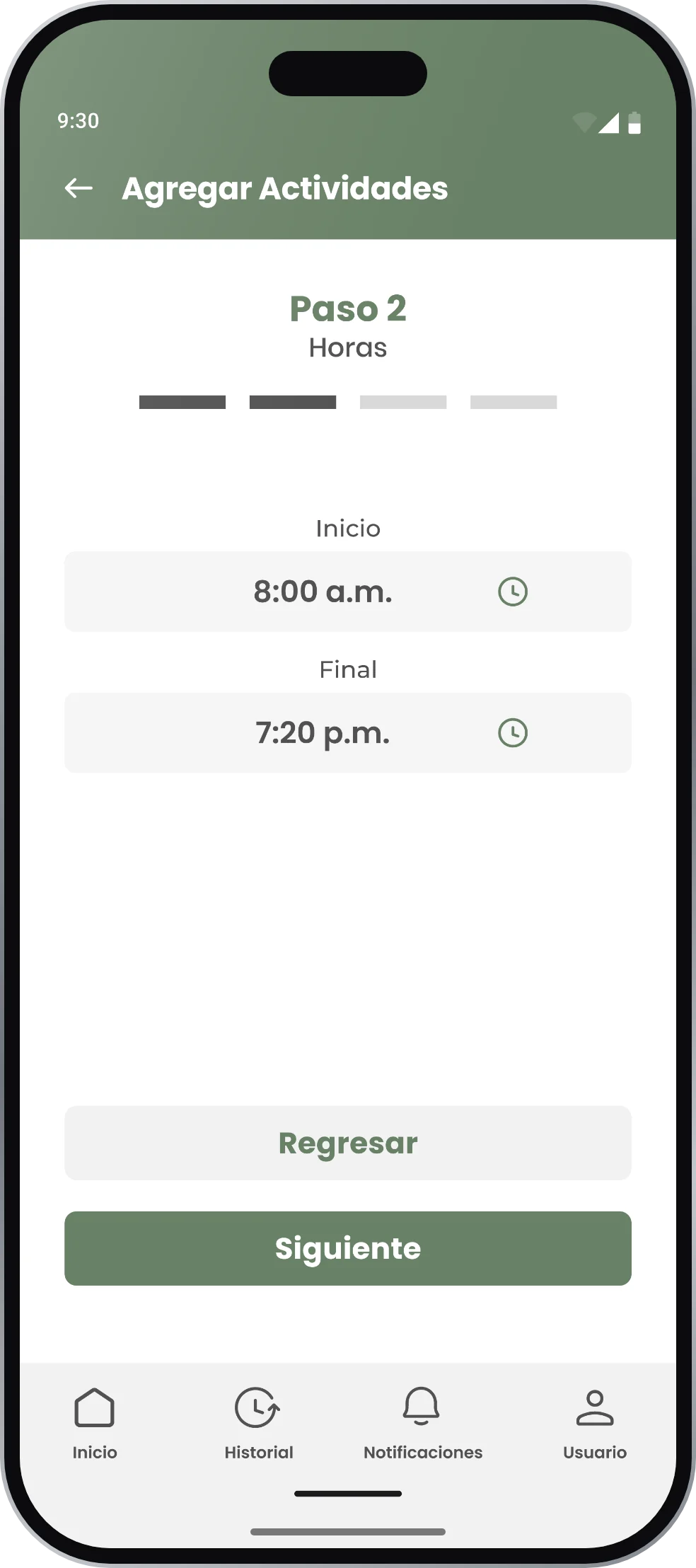
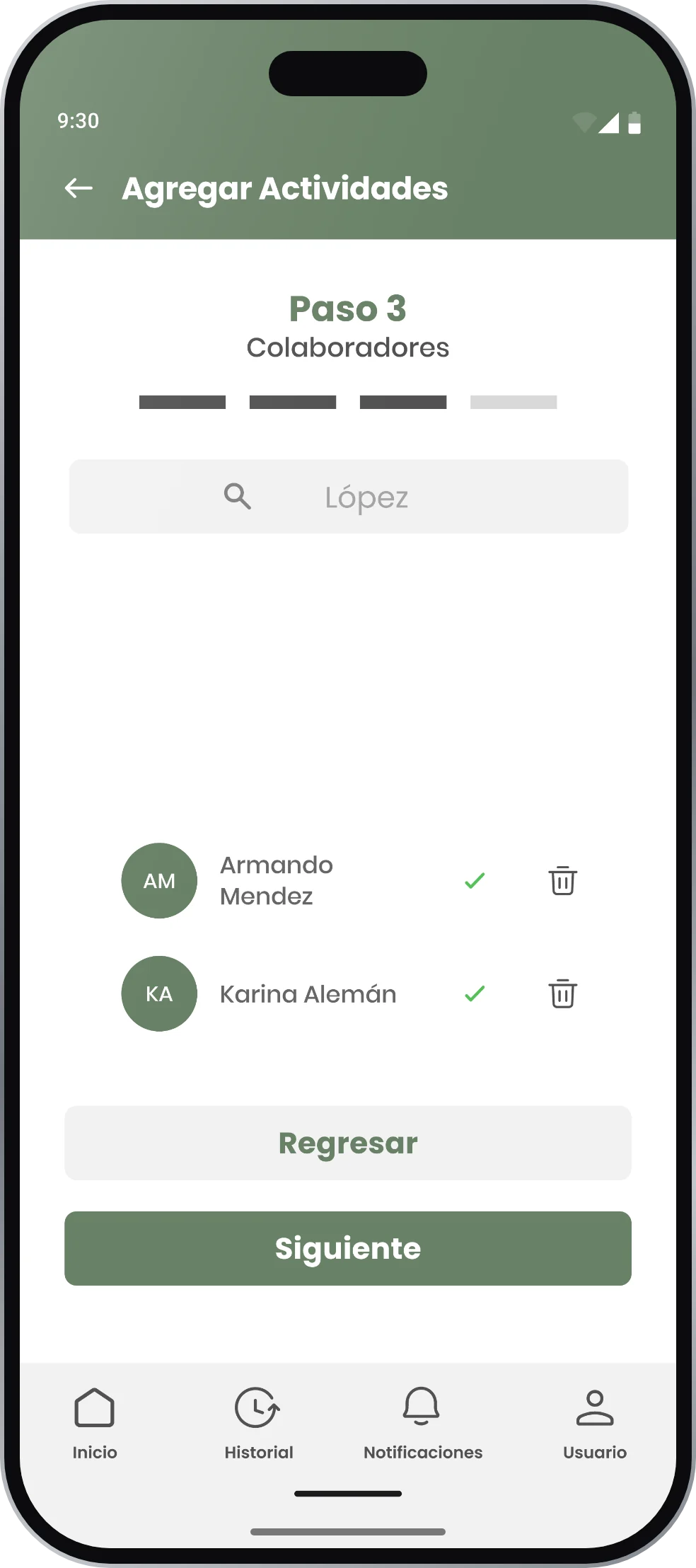
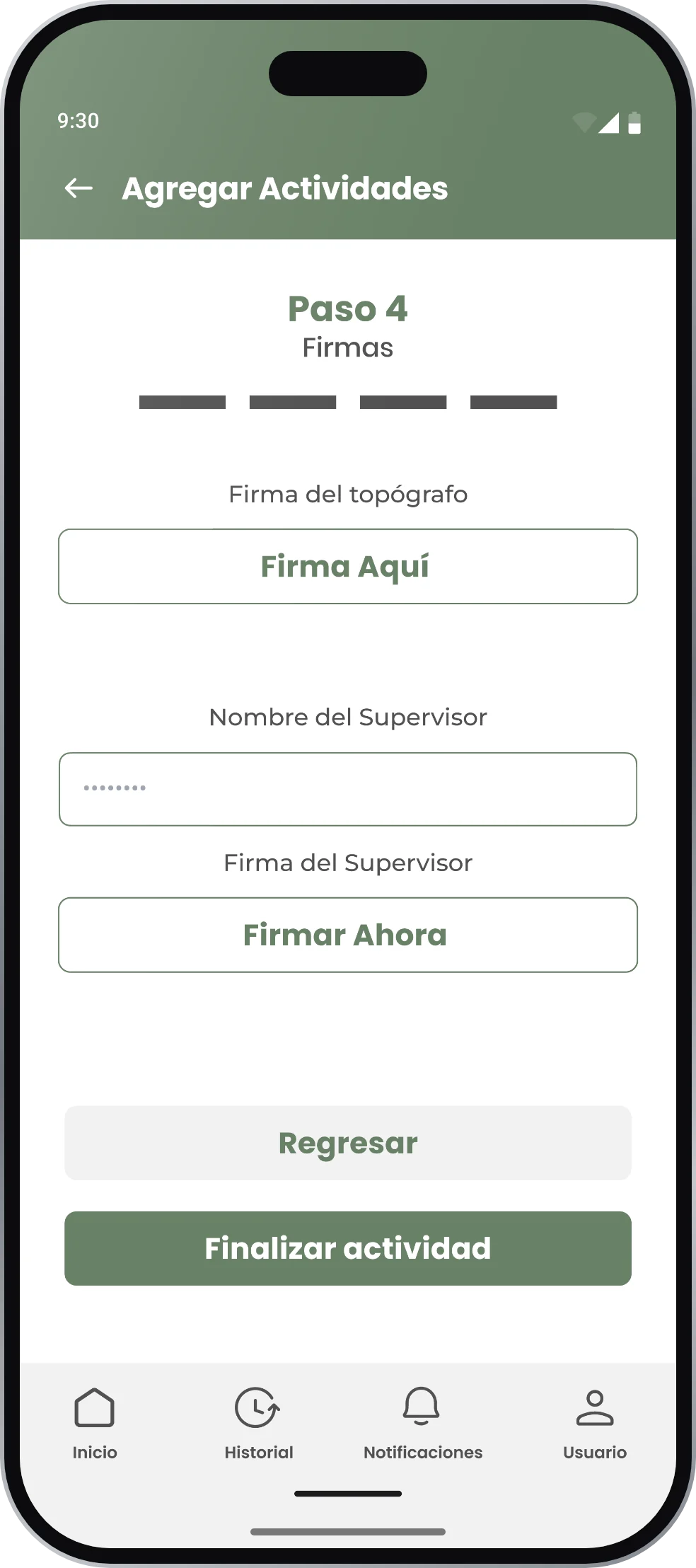
    Logging an activity is a numbered path a surveyor can finish standing in the sun: describe the work, set start and end time, tick the crew who were there, and sign. The signature step is the one that matters — the surveyor signs on the screen and so does the supervisor, so the record leaves the field already validated instead of waiting for a paper form. Small decisions carry a lot here: lunch can be marked as overtime with one checkbox, because that is exactly the argument nobody wants to have at the end of the month.

    MDT Ingenieros surveyor module app UI screen
    MDT Ingenieros surveyor module app UI screen
    MDT Ingenieros surveyor module app UI screen
    MDT Ingenieros surveyor module app UI screen

    From the Field to the Office Without Retyping Anything

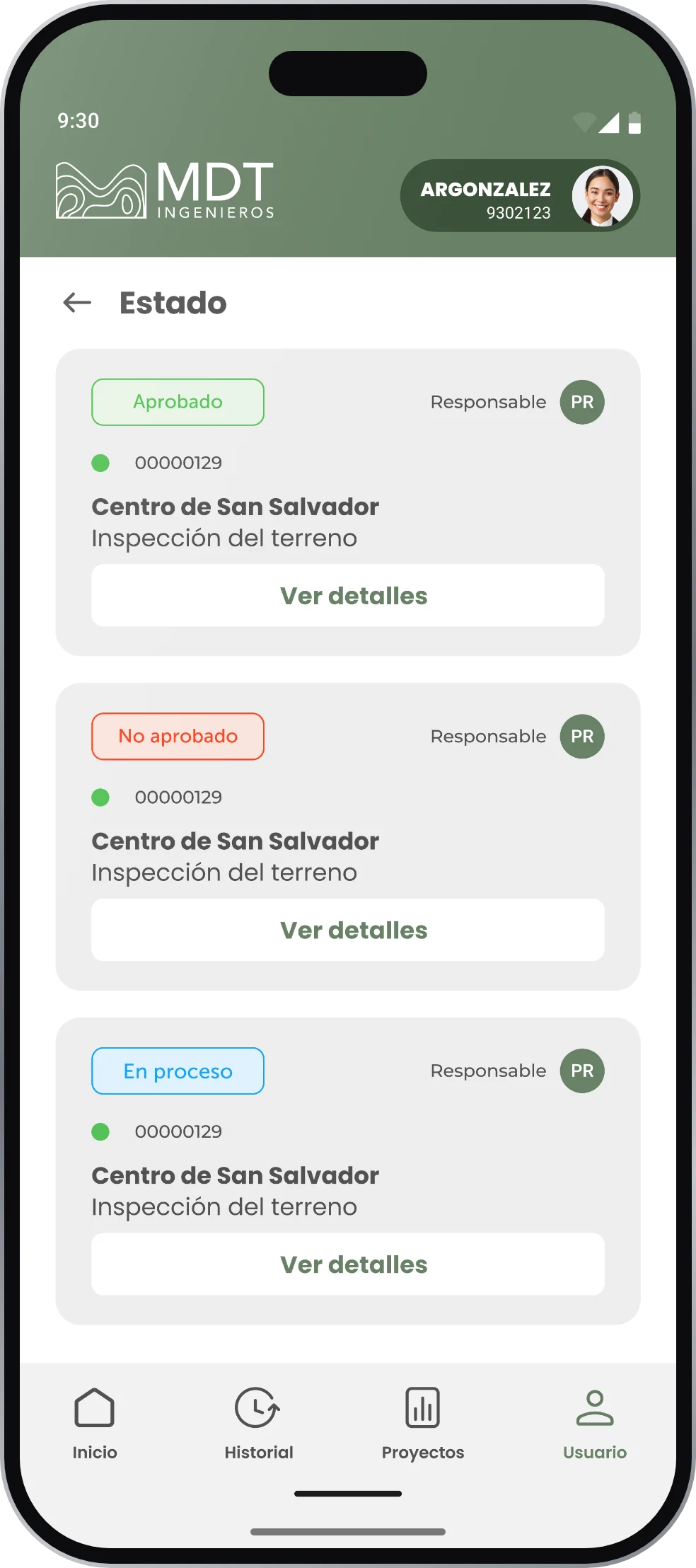
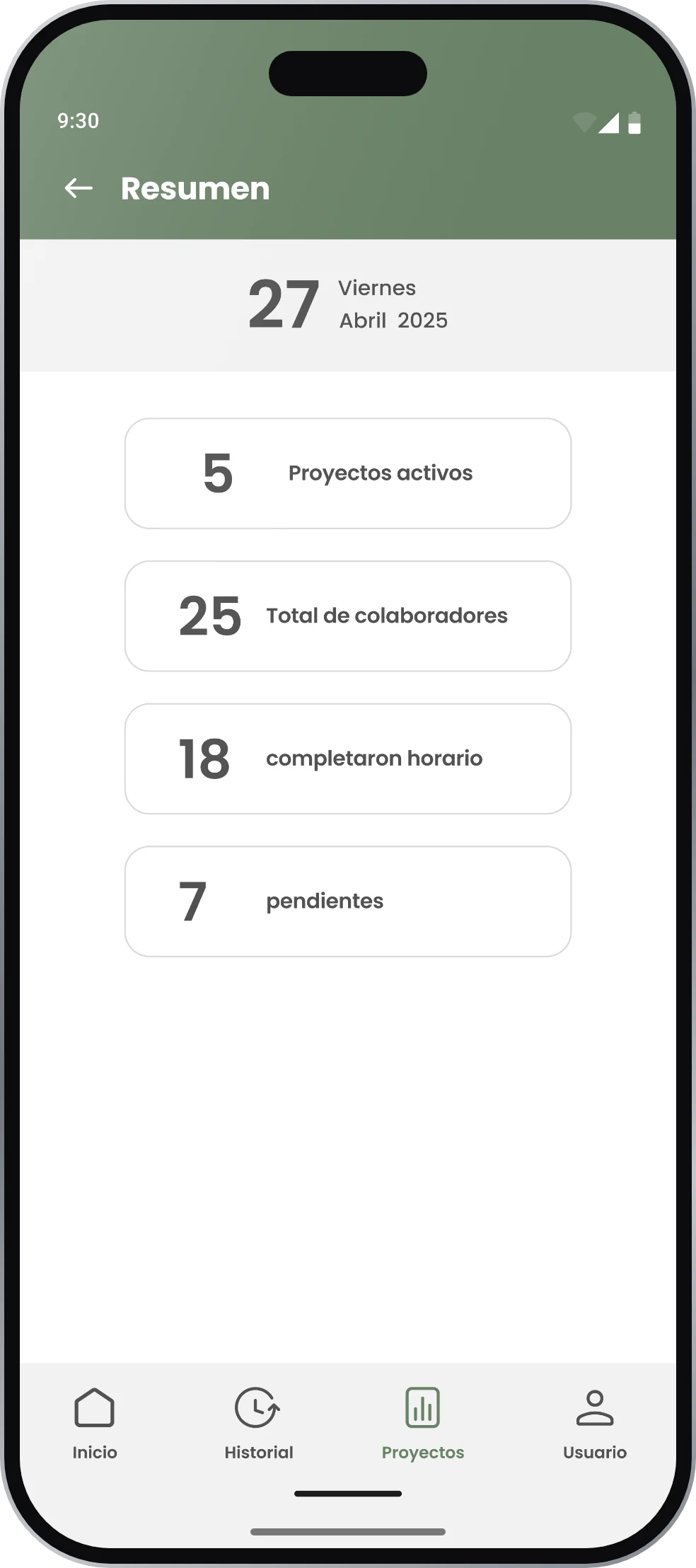
    The app covers assigned projects, the calendar of incomplete days, the day detail with total hours, the four-step capture, notifications and the approval state of each entry — approved, not approved, in progress. On the other side, the supervisor sees the summary that actually answers the question of the day: active projects, total crew, how many completed their shift and how many are pending. The web admin receives all of it, so what the surveyor records in the field is what the office reads.

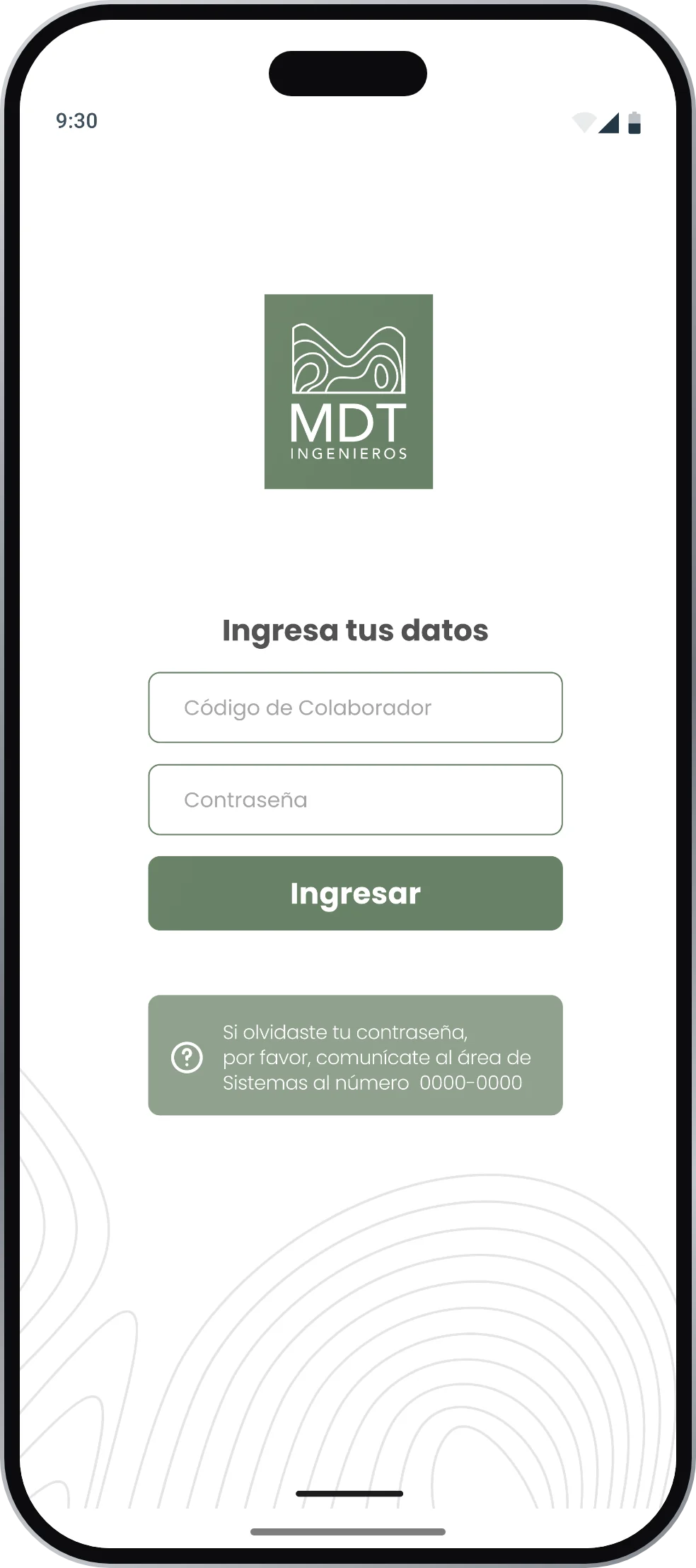
    Delivered as an interactive prototype over a design system built on the firm's own identity — the sage green and the contour lines of a topographic map.

    MDT Ingenieros surveyor module app UI screen
    MDT Ingenieros surveyor module app UI screen
    MDT Ingenieros surveyor module app UI screen
    MDT Ingenieros surveyor module app UI screen

    THE FIELD RECORD, SIGNED ON SITE AND READ IN THE OFFICE

    NEXT PROJECT

    Apps

    Services