0 1 0 1 2 3 4 5 6 7 8 9 0 0 1 2 3 4 5 6 7 8 9 0

Design and Flutter development of TBox App, the school companion for students, teachers and families in El Salvador: technology classes, homework, bulletins, calendar, grades and attendance, from one codebase on iOS and Android.

TBox App — The School Term, in a Pocket

UI/UX Design & Prototyping

  • Flutter App Development
  • iOS and Android from One Codebase
  • Role-Based Navigation: Student, Teacher, Parent
  • Homework, Bulletins, Calendar & News
  • Grades and Attendance
  • Platform Switching: TBox Jr and TBox Academy
  • Google Play Release

  • TBox App is the mobile side of the TBox education programme in El Salvador. It is built for three people at once — the student, the teacher and the parent — and it carries whatever their school publishes: the technology class content, homework with its due date, bulletins, the events calendar, school news, and, where the school runs TBox School, grades and attendance.

    A school app fails in a specific way. It arrives full of features and empty of content, because nothing in it belongs to that particular school. So the design problem was not the feature list. It was making a single screen legible to a ten-year-old, their teacher, and their father on the bus.

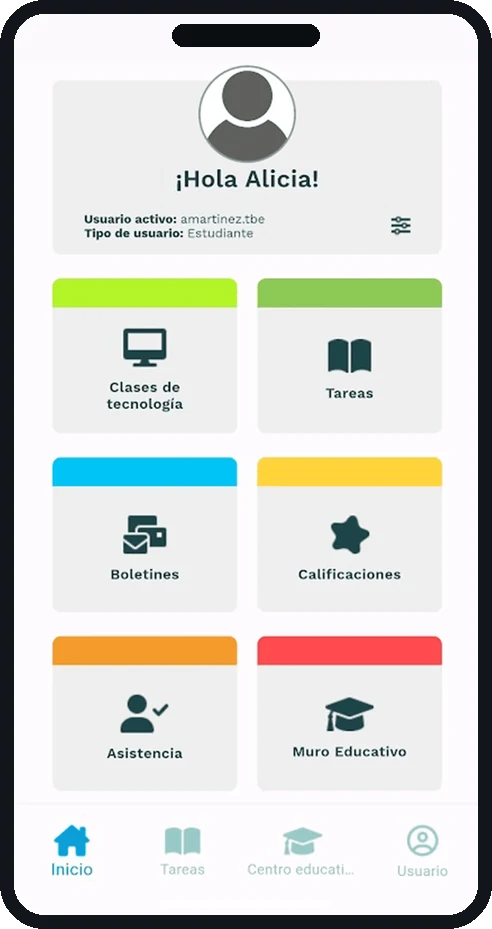
    TBox App home screen with the six school sections
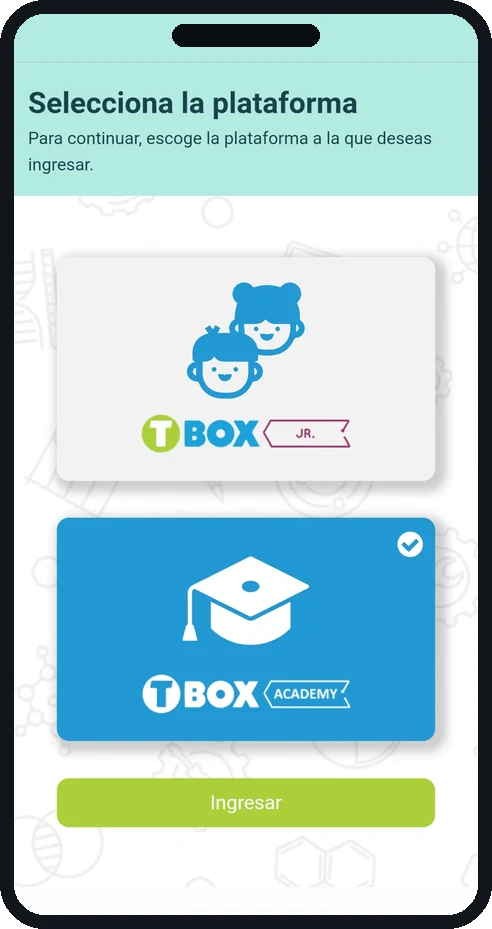
    TBox App platform picker with TBox Jr and TBox Academy

    Six Doors, One Home Screen

    The home is a greeting and six coloured doors: technology classes, homework, bulletins, grades, attendance and the educational wall. Each door carries its own colour band and its own pictogram, so the tile is recognised before the label is read — the same principle that runs through the TBOX drawing studio. Underneath, a four-tab bar keeps the return path constant: home, homework, school, profile.

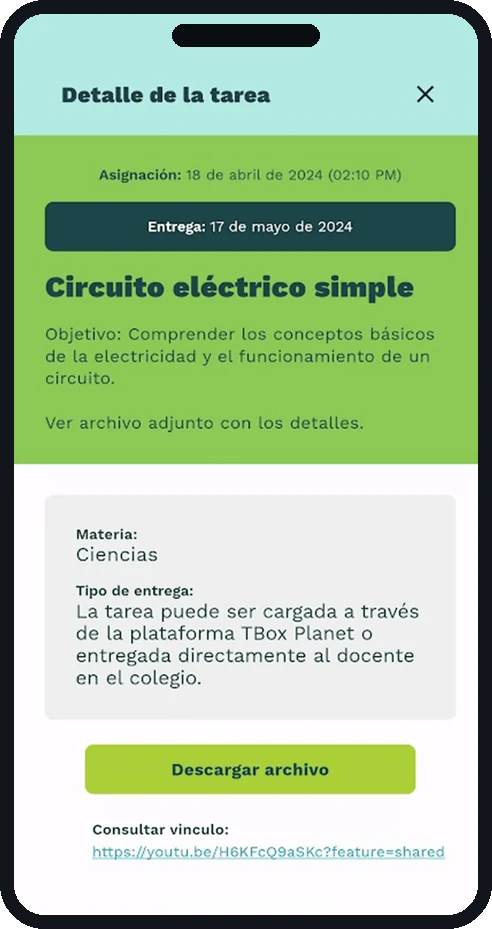
    TBox App homework detail for a science assignment
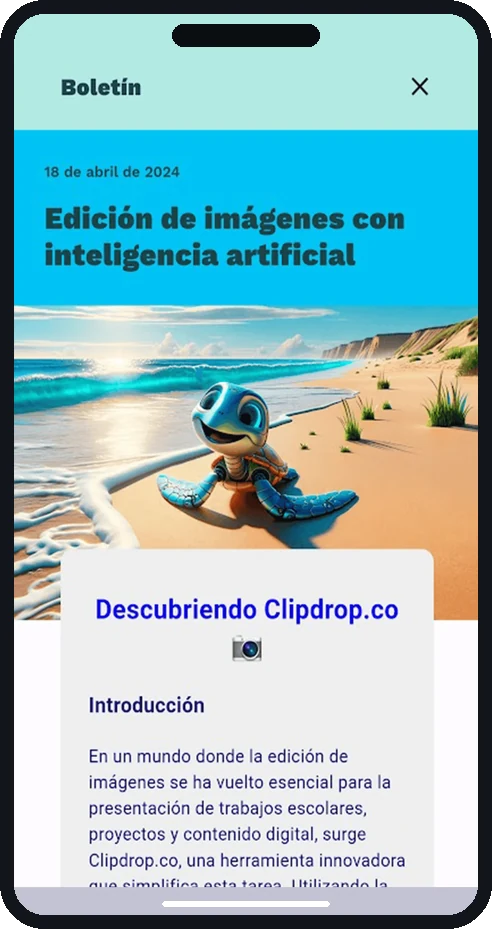
    TBox App bulletin about image editing with artificial intelligence
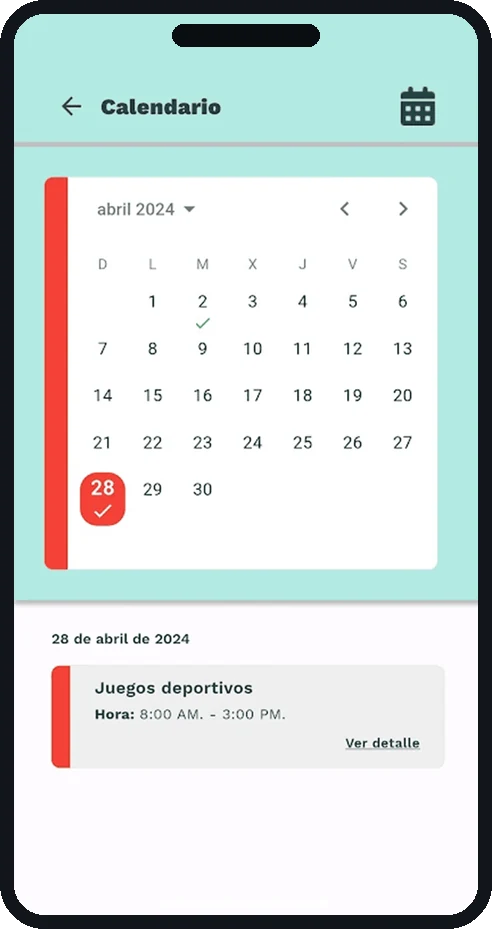
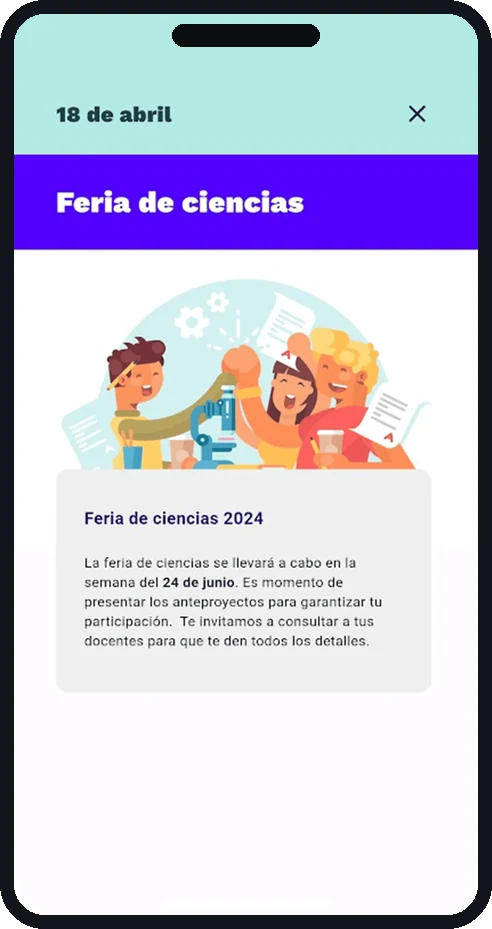
    TBox App calendar for April with the events of the day
    TBox App event detail for the school science fair

    One Login, Two Platforms

    A pupil may belong to TBox Jr or to TBox Academy, and the same account can reach both. Rather than hide that behind a settings screen, the app asks at the moment it matters: two large cards, the active one checked, and a single button to continue. From there every item opens into a full page rather than a modal — a homework brief with its subject, its objective, its delivery method and its attachment; a bulletin that reads like an article; a calendar day with its events listed underneath.

    Built in Flutter, so iOS and Android ship from one codebase and a school gets the same app whatever its families carry. Published on Google Play by Technology Box, Inc.

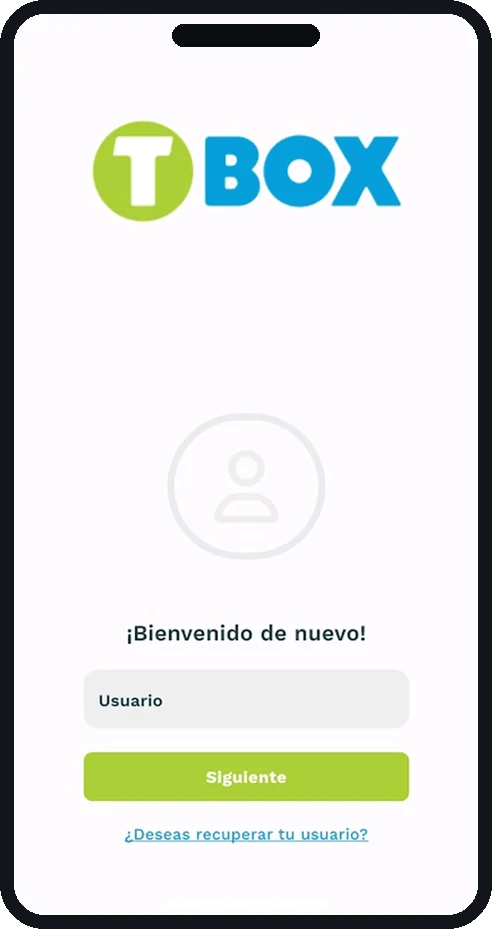
    TBox App sign-in screen
    TBox App splash screen with the TBox logo
    TBox App home screen with the six school sections
    TBox App platform picker with TBox Jr and TBox Academy

    A SCHOOL APP THAT ARRIVES WITH THE SCHOOL ALREADY INSIDE IT

    NEXT PROJECT

    LegalMente AI

    AI Implementation, UI/UX Design, Web Design