0 1 0 1 2 3 4 5 6 7 8 9 0 0 1 2 3 4 5 6 7 8 9 0

Interface design for TBOX, the drawing and activities studio of the TBox school programme in El Salvador: twelve picture tools, a stamp library and printable activity sheets that load straight onto the canvas.

(01). PROJECT

How do you hand a seven-year-old a real drawing tool without handing them a real toolbar?

TBox is an educational technology programme used in schools across El Salvador. It reaches students, teachers and families through technology classes, school platforms and its own app. TBOX is the drawing studio inside that programme — the piece a child actually opens in class.

We designed that studio: a full drawing and activities workspace built for hands that are still learning to hold a mouse, and for readers who are still learning to read.

Walkthrough – 2024

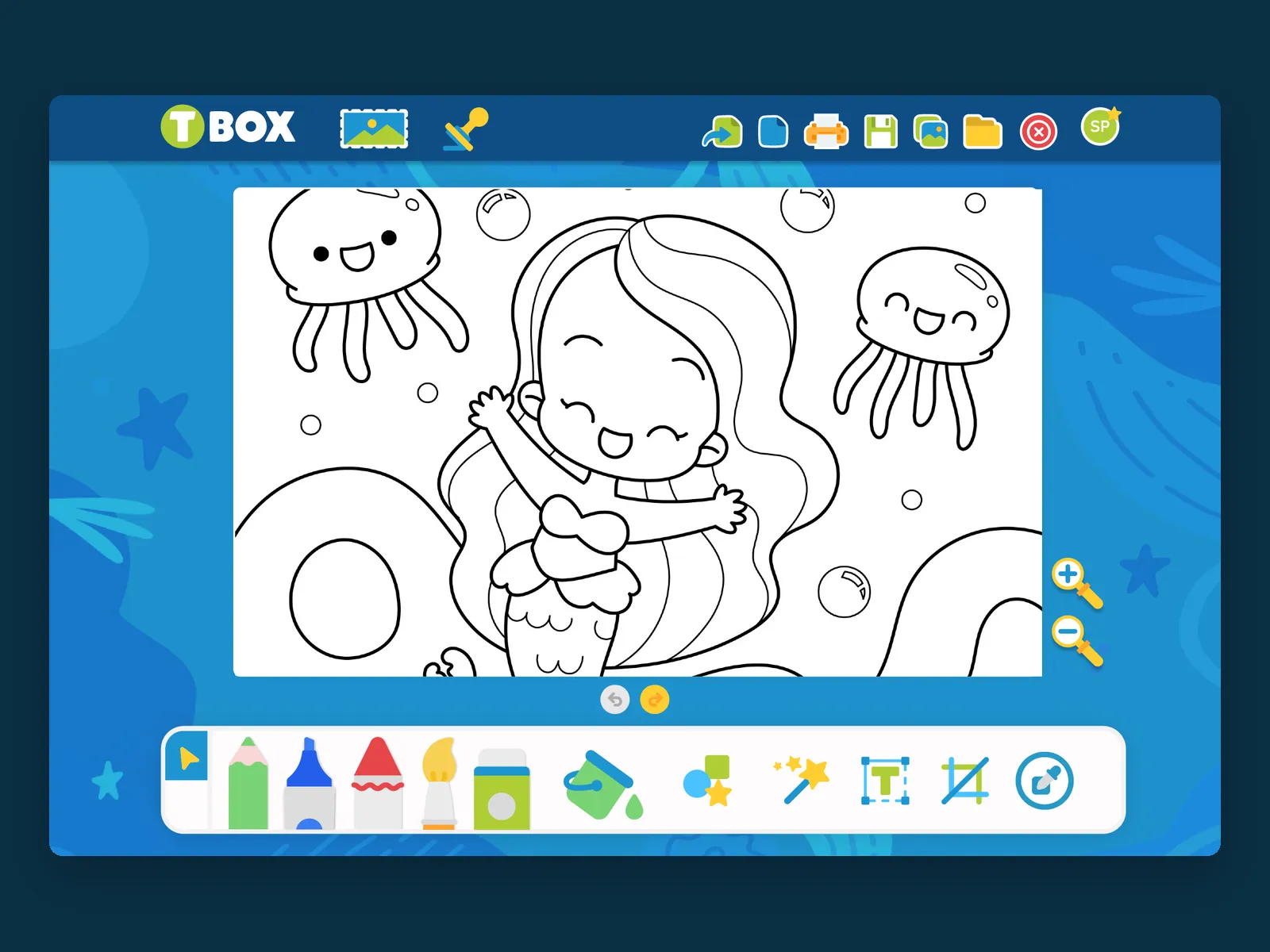
TBOX drawing studio with a mermaid colouring sheet loaded on the canvas
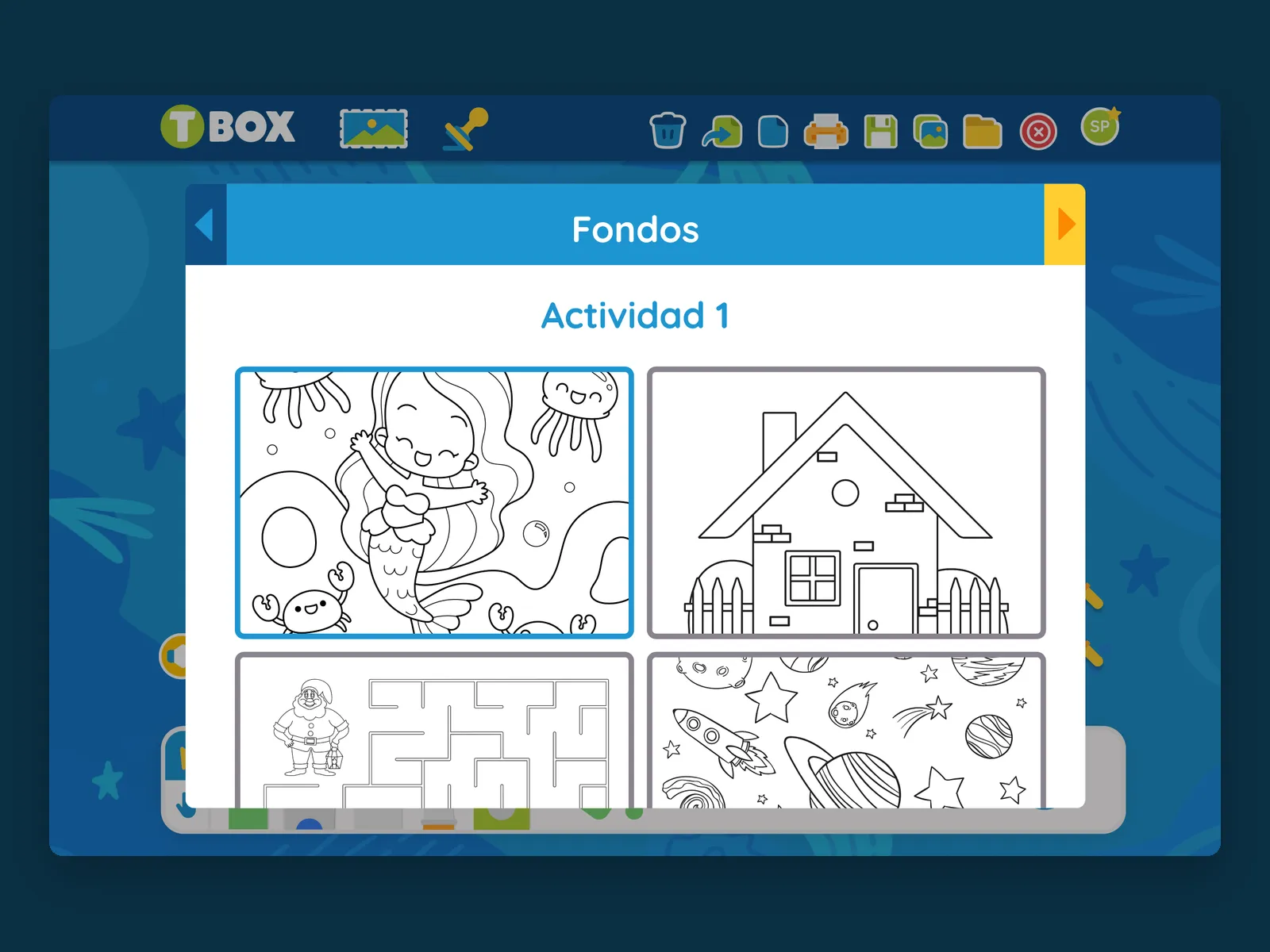
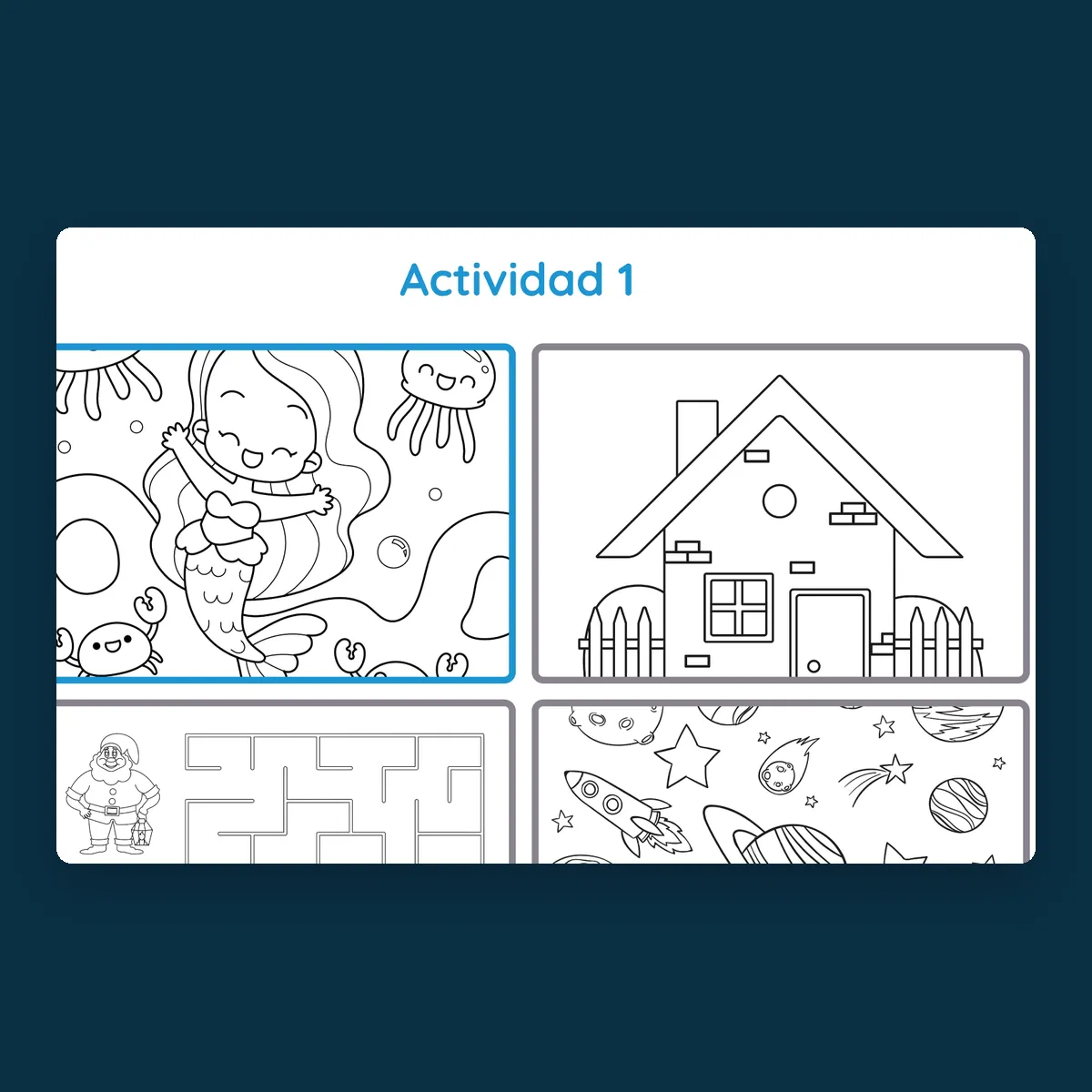
TBOX Fondos panel showing the Actividad 1 colouring sheets
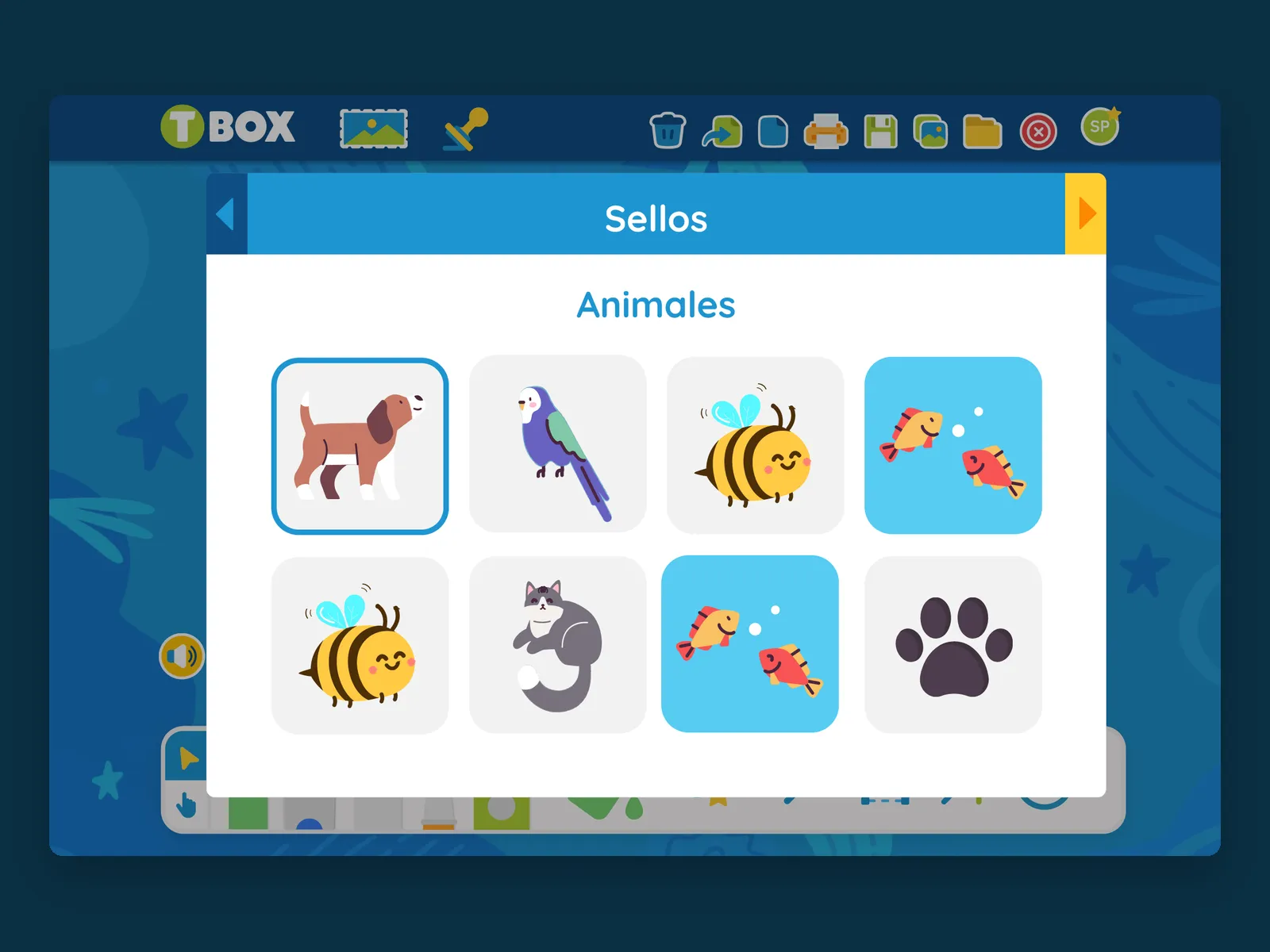
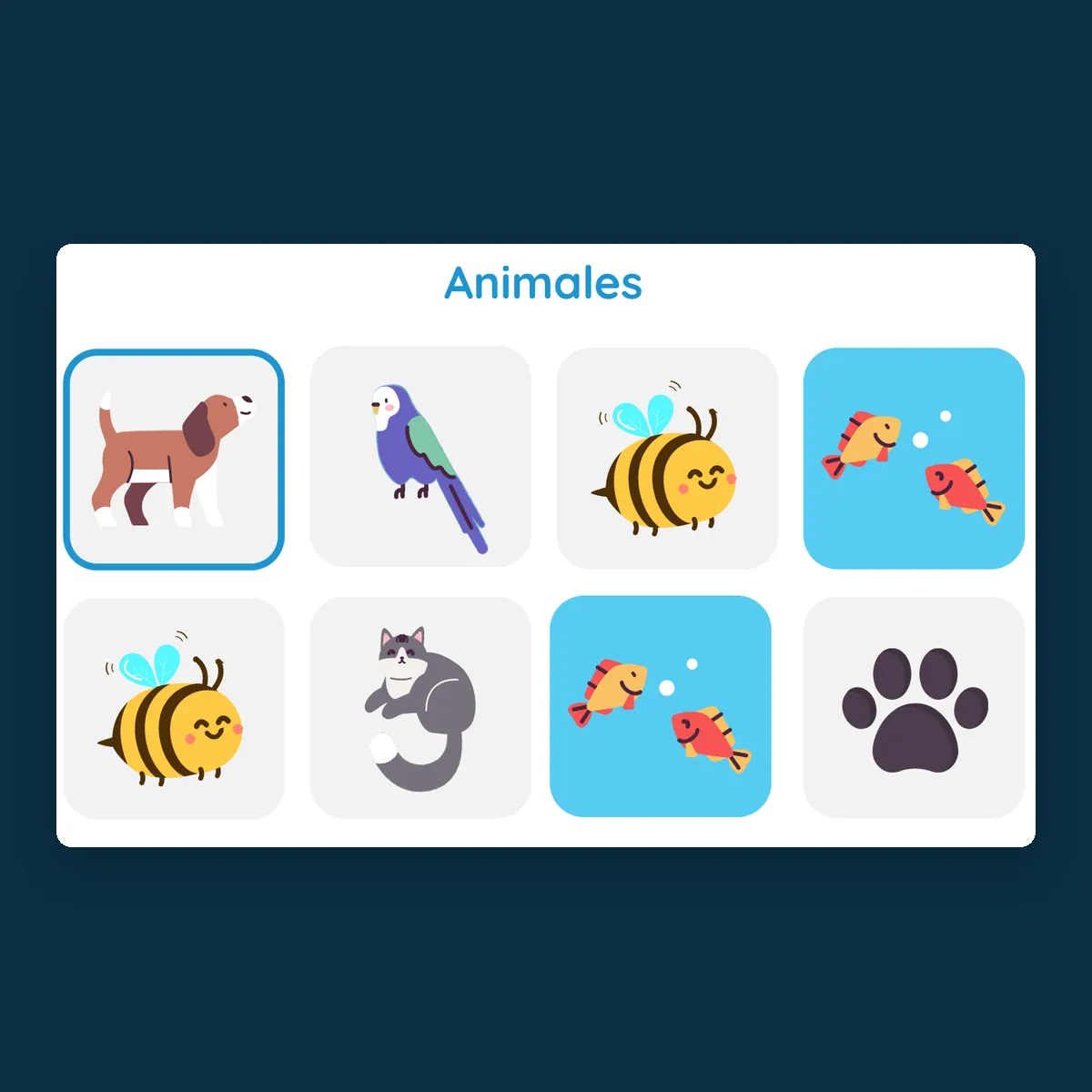
TBOX Sellos panel showing the animal stamp catalogue
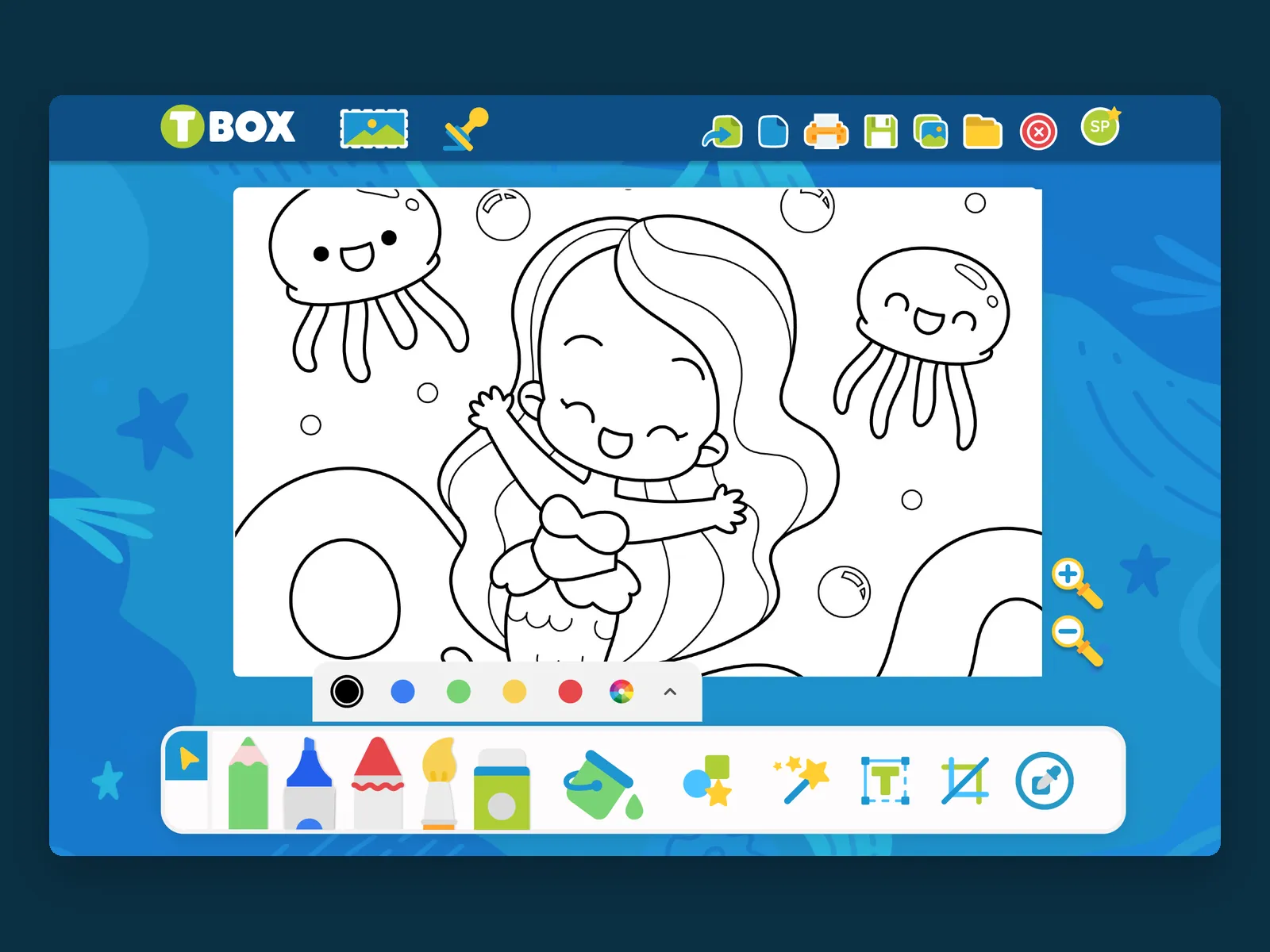
TBOX canvas with the colour palette open under the paint tool

(01) ABOUT THE PROJECT

What does a paint program look like when nobody in the room reads the menu bar?

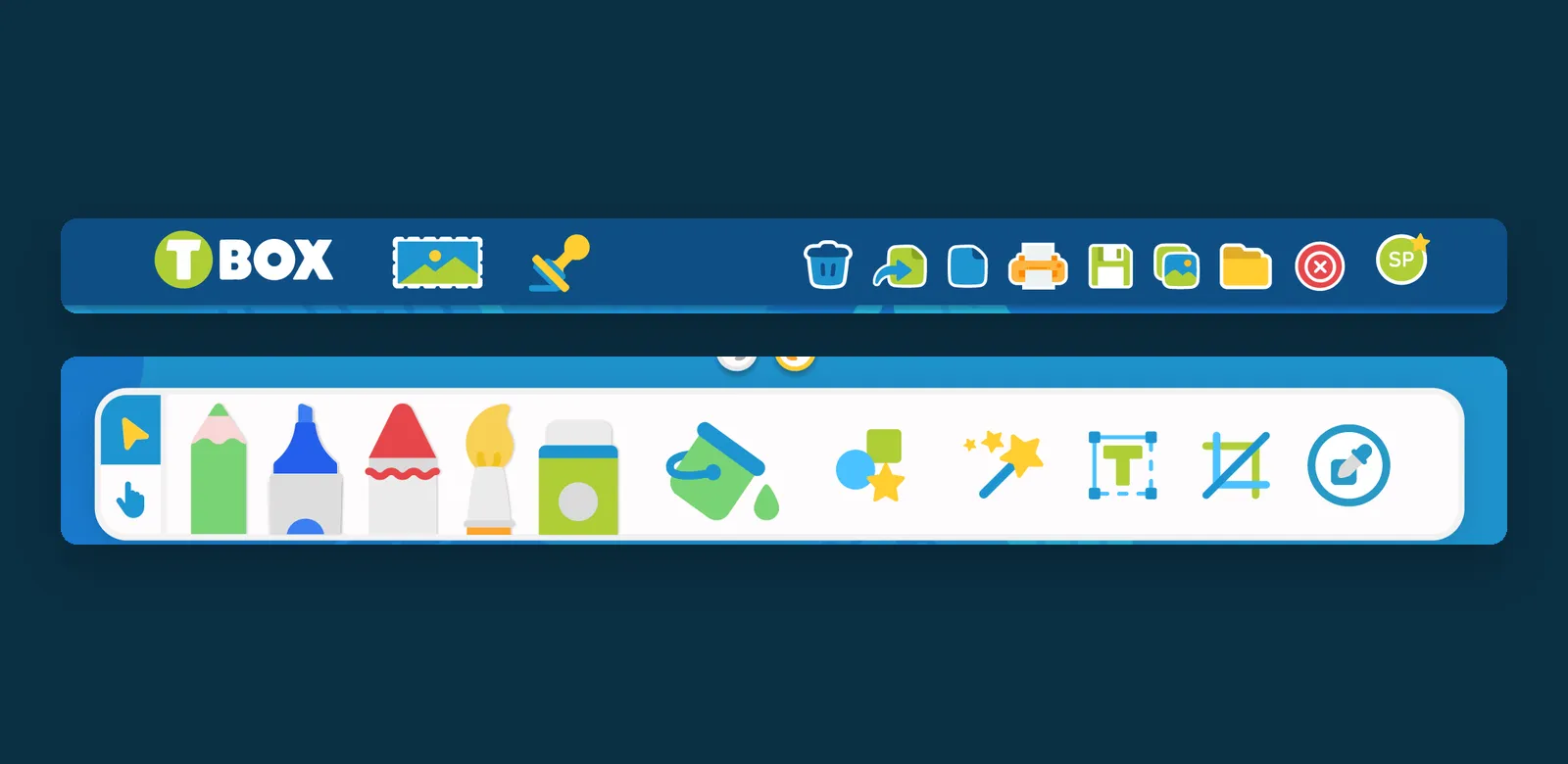
Every control is an object, not a word. The rail along the bottom holds twelve drawing instruments a child recognises on sight — pencil, marker, crayon, brush, spray can, paint bucket, shapes, magic wand, text, crop and eyedropper — and the actions along the top are a bin, a printer, a floppy disk, a folder. There is no menu, no dialog, nothing nested two levels deep: what you can do is what you can see.

Two libraries carry the lesson. Sellos is a stamp catalogue sorted by theme, animals first, so a child can build a scene without having to draw every element in it. Fondos loads the day's activity straight onto the canvas — a colouring page, a maze, a house, a space scene — each one line art waiting to be filled. Colour is kept deliberately small: five ready colours and a wheel, opened from the tool itself instead of parked in a permanent panel, so the canvas never loses room to chrome.

Close-up of the TBOX animal stamp grid
The TBOX canvas holding a line-art mermaid activity
The TBOX top action bar and the twelve-tool drawing rail
Close-up of the TBOX activity sheet grid

(02) PROJECT GOALS

Put a genuine creative tool in a child's hands without a single word of interface to read.

Let a teacher drop the activity of the day onto the canvas, so the drawing studio and the lesson are the same screen.

TBOX drawing studio with a mermaid colouring sheet loaded on the canvas
TBOX Sellos panel showing the animal stamp catalogue
TBOX Fondos panel showing the Actividad 1 colouring sheets
TBOX canvas with the colour palette open under the paint tool

TBOX gives a child the whole page, and only the tools they can already name.

Francisco Gonzalez Project Manager

NEXT PROJECT

TBox App

Apps, UI/UX Design